Generating high-quality leads is a foundational goal for nearly every business, from e-commerce brands to SaaS companies. Yet, the process of creating a compelling lead magnet from scratch can be a significant bottleneck. It demands design skills, content strategy, and a clear understanding of what converts. A well-designed lead magnet template solves this problem by providing a professional, structured starting point, allowing you to focus on the value of your content rather than the complexities of layout and design. This guide eliminates the guesswork by curating the best platforms and marketplaces for high-converting templates.
This resource list is designed for immediate action. We dive into twelve of the best sources for lead magnet templates, including everything from PDF checklists and e-books to interactive quizzes and email course outlines. For those needing a deeper dive into the strategy behind these assets, our guide on Lead Magnets Explained From Concept To Conversion offers a comprehensive overview. Each entry in our list provides a clear breakdown of its unique strengths, ideal use cases, and potential limitations, so you can quickly identify the perfect fit for your specific marketing goals and budget.
Whether you’re a marketing agency managing multiple clients, a startup founder needing a quick on-site CTA, or a content creator looking to grow your email list, the right template can dramatically accelerate your list-building efforts. We’ve included direct links and screenshots for each platform, ensuring you can find and implement the ideal resource efficiently. Let’s explore the templates that will help you turn website visitors into loyal subscribers.
1. Canva
Canva is an indispensable design platform for marketers and business owners who need to create visually appealing lead magnets without a graphic design background. Its strength lies in its vast library of professionally designed templates that can be quickly customized for various formats, including ebooks, checklists, worksheets, and infographics. This makes it an ideal starting point for anyone looking for a high-quality lead magnet template.
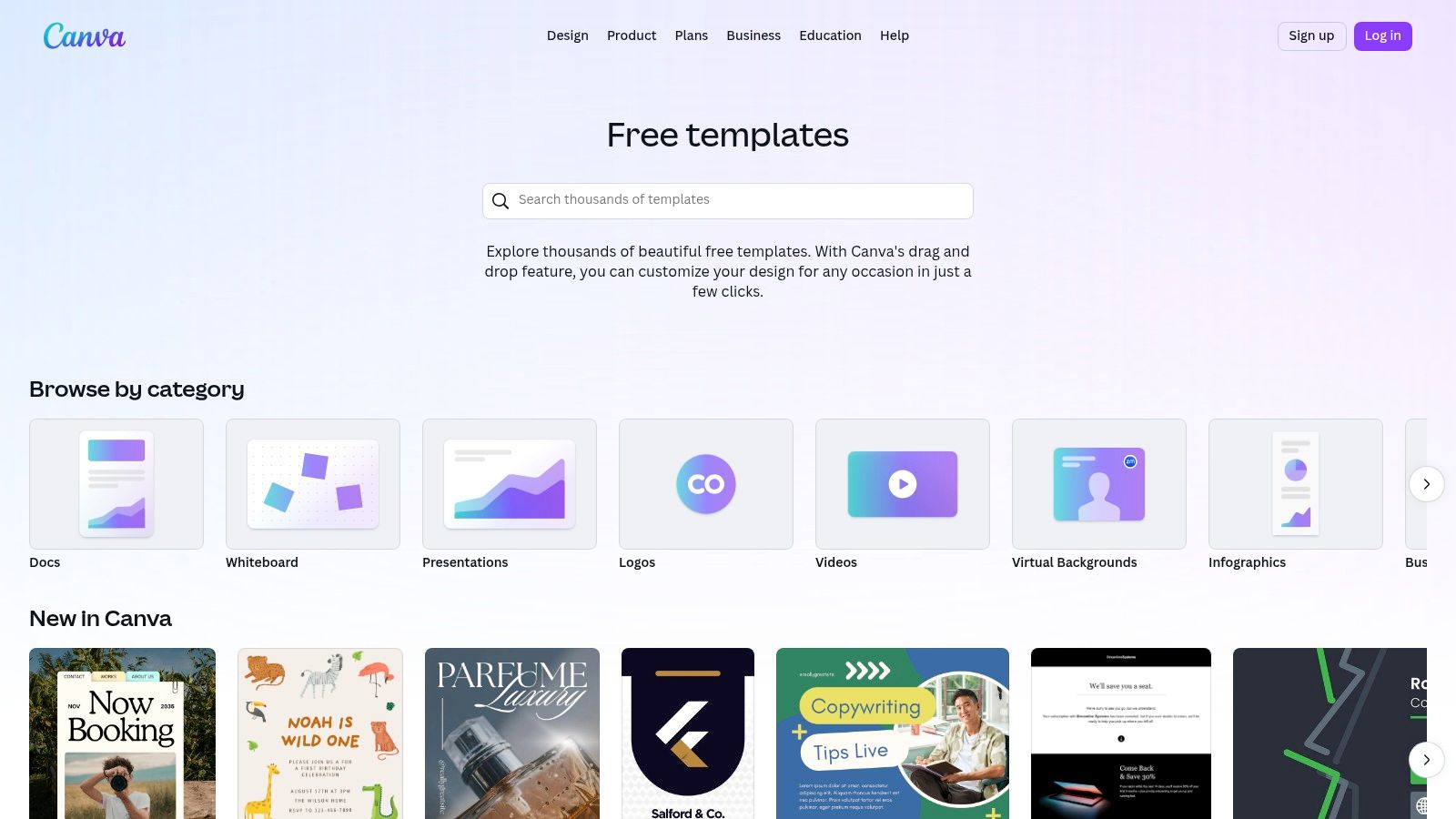
The user experience is built around a simple drag-and-drop editor, allowing for rapid customization. For brands, the “Brand Kit” feature (available on the Pro plan) is a significant time-saver, letting you apply your brand’s specific colors, fonts, and logos to any template with a single click. This ensures brand consistency across all your marketing materials, from a simple checklist to a comprehensive multi-page guide.
Key Features & Implementation Tips
Canva stands out by democratizing design, making it accessible for SaaS teams, e-commerce brands, and content creators alike.
- Massive Template Library: Search for specific terms like “checklist template” or “ebook” to find dozens of relevant starting points.
- Easy Exporting: You can download your finished design as a print-ready PDF, a standard PDF for web use, or even share it as a direct link.
- Rich Media Integration: The platform includes a massive library of stock photos, icons, charts, and graphics, many of which are available on the free plan.
Practical Tip: To create a cohesive lead magnet template, start by setting up your Brand Kit. Then, create a master template for one lead magnet type (e.g., a one-page checklist) and duplicate it for future offers to maintain a consistent look and feel.
Pricing and Access
- Canva Free: Offers robust functionality with thousands of free templates and design elements.
- Canva Pro: Starts at $119.99/year for one person. It unlocks premium templates, the Brand Kit, Magic Resize, and a larger library of stock assets. This is highly recommended for serious marketing efforts.
Website: https://www.canva.com/templates/
2. Etsy
Etsy serves as a massive marketplace not just for physical goods, but for digital products, making it a goldmine for unique and niche-specific lead magnet templates. Independent creators offer thousands of pre-made designs, often sold as editable Canva files, covering everything from detailed workbooks to simple one-page checklists. This is an excellent solution for businesses wanting a more distinct aesthetic than what standard platforms provide.
The platform’s value lies in its sheer variety and affordability. You can find a professional, multi-page lead magnet template for a fraction of the cost of a custom design. The instant digital download model means you can purchase a template and begin customizing it within minutes. Seller ratings and customer reviews are crucial here, providing social proof to help you gauge the quality and ease of use before buying.
Key Features & Implementation Tips
Etsy is perfect for finding a creative spark or a ready-to-go solution that aligns with a specific industry, from wellness coaching to real estate.
- Huge Variety of Styles: Search for terms like “boho ebook template” or “minimalist checklist” to find designs that perfectly match your brand’s visual identity.
- Instant Digital Downloads: Once purchased, you typically receive a PDF with a direct link to the editable template in Canva.
- Seller Ratings and Reviews: Always check feedback from previous buyers to ensure the template is high-quality and the seller is reputable.
Practical Tip: Before purchasing, carefully read the item description. Some sellers use Canva Pro elements in their designs. If you only have a free Canva account, these elements will appear with a watermark, requiring you to either upgrade or replace them.
Pricing and Access
- Varies by Seller: Prices can range from just a few dollars for a simple one-page template to $30+ for comprehensive lead magnet bundles. Most are one-time purchases.
Website: https://www.etsy.com/search?q=lead+magnet+template
3. Creative Market
Creative Market is a curated design marketplace where independent creators sell premium digital assets. For businesses seeking a truly polished and professional aesthetic, it offers an exceptional selection of high-quality lead magnet template packs, often designed for easy editing in Canva or Adobe InDesign. These templates move beyond basic layouts, providing cohesive, multi-page designs for ebooks, workbooks, and webinars that are ready for a high-end brand.
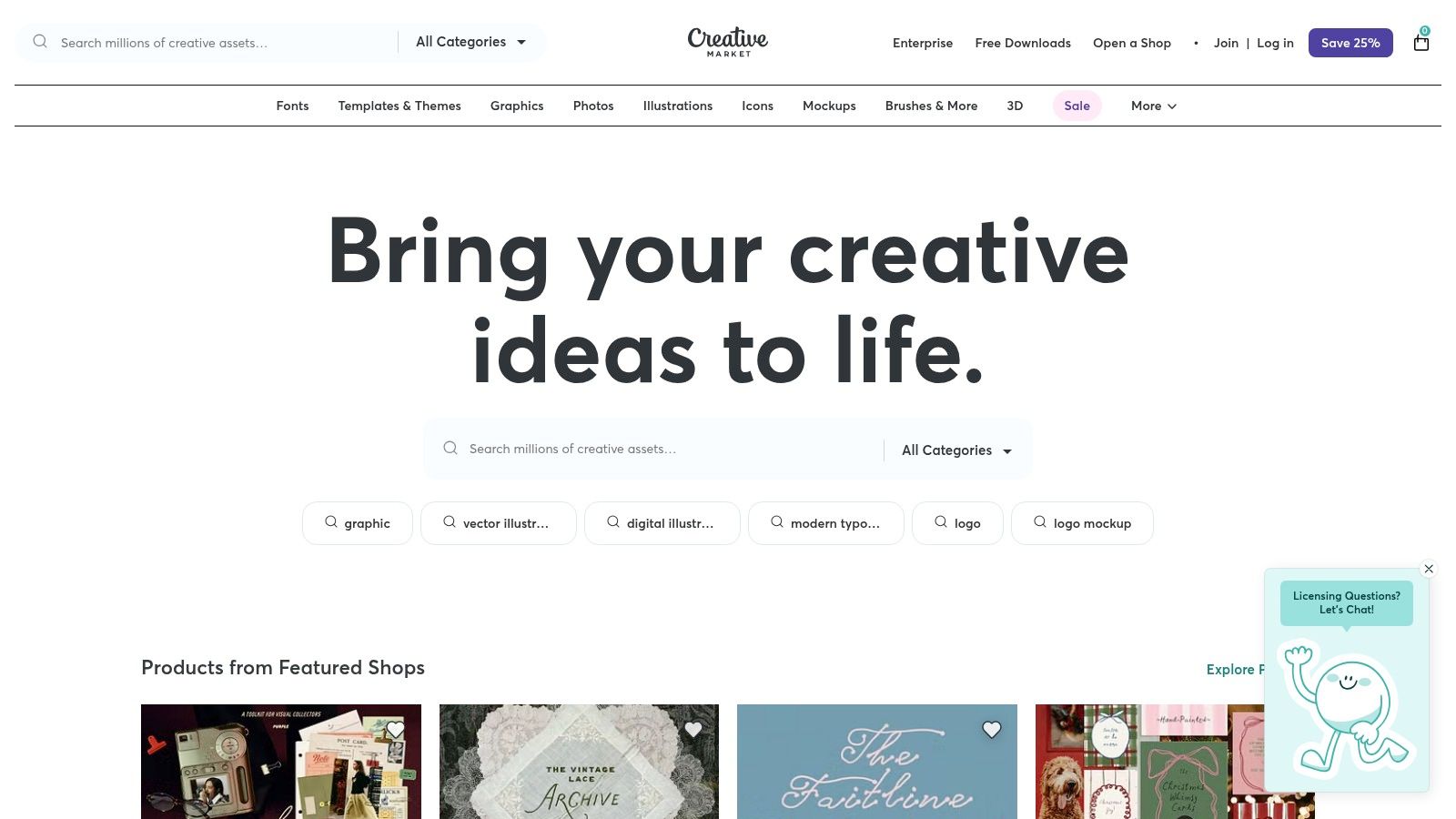
Unlike platforms with user-generated freebies, every item on Creative Market is reviewed for quality, ensuring you get a professional-grade product. The detailed previews allow you to see every page of a template before purchasing, and you often get direct support from the creator. This makes it a go-to resource for brands that want to save significant design time while still achieving a custom, high-end look.
Key Features & Implementation Tips
Creative Market excels at providing ready-made, brand-in-a-box solutions that require minimal tweaking to look fantastic.
- Multi-Page Ebook & Workbook Templates: Find comprehensive template packs that include everything from cover pages to chapter layouts and call-to-action pages.
- Commercial Licensing Options: Most templates come with a commercial license, allowing you to use them for business purposes, but always check the specific terms for each product.
- Detailed Previews and Creator Support: You can view all included pages and often contact the designer directly for questions, providing an extra layer of confidence.
Practical Tip: Use the search filters to narrow down options by application (e.g., “Canva,” “InDesign”) and format (“US Letter,” “A4”) to find the perfect lead magnet template for your needs. Pay close attention to the included file types and required fonts.
Pricing and Access
- Per-Item Pricing: Templates are sold individually, with prices set by the creator. Prices typically range from $15 to $70+ for comprehensive lead magnet kits.
- No Subscription: You pay only for the specific assets you need, with no recurring fees. Licenses vary, so review the terms before purchase.
Website: https://creativemarket.com
4. Envato Elements
For creators and marketers who require a continuous stream of diverse design assets, Envato Elements offers an exceptional value proposition. Instead of purchasing templates individually, you gain unlimited access to a massive library of high-quality files for a single subscription fee. This is ideal for agencies or businesses that frequently produce lead magnets like ebooks, detailed whitepapers, and multi-page guides and need a professional lead magnet template in formats like InDesign, Photoshop, or Illustrator.
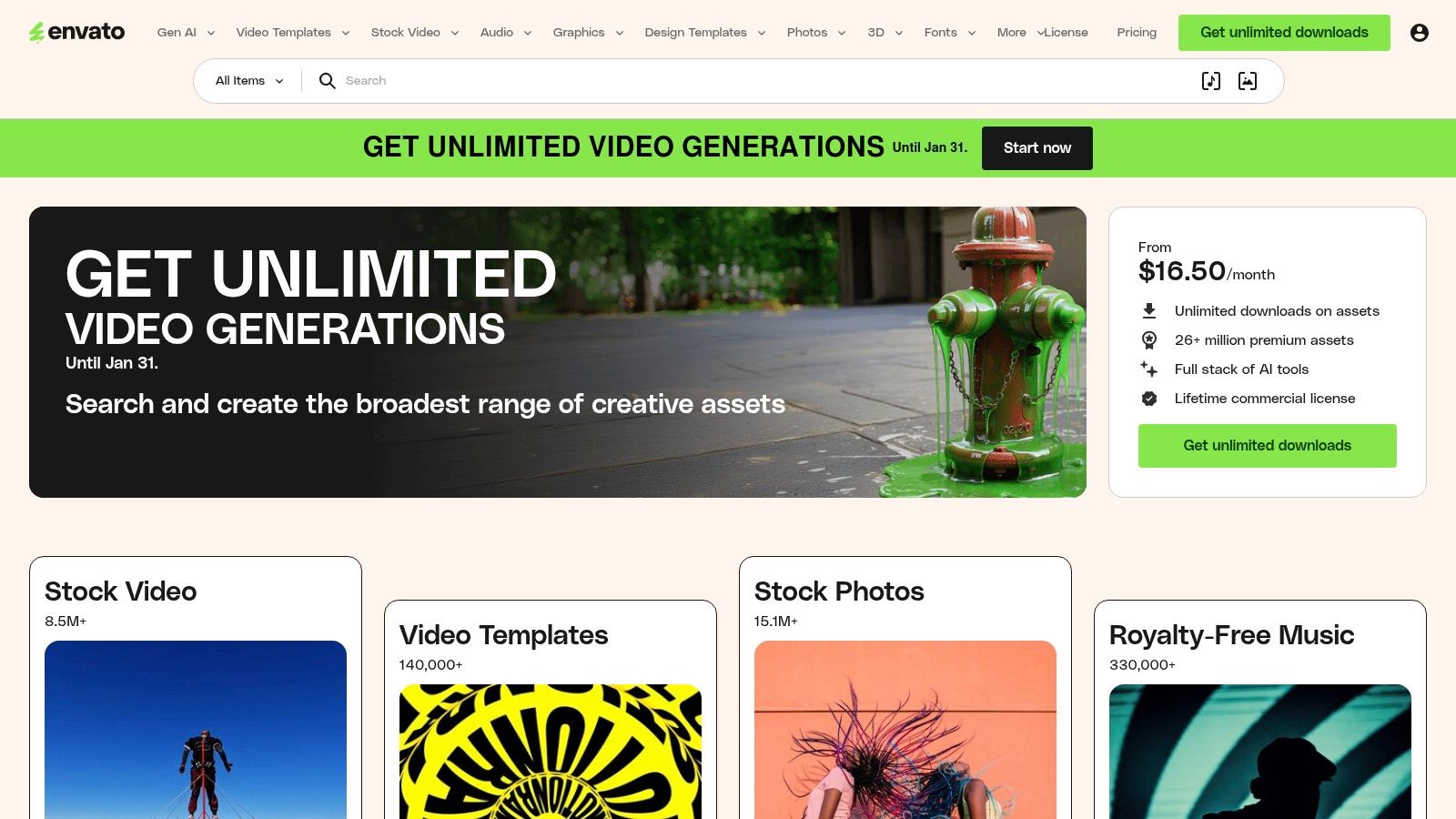
The platform’s key differentiator is its all-inclusive model, which covers everything from graphics and stock video to presentation templates and fonts. This allows for a high degree of creative freedom, as you can mix and match different assets to create a truly unique and polished final product. The commercial license included with the subscription simplifies the legal side, ensuring your creations are ready for business use.
Key Features & Implementation Tips
Envato Elements is best suited for those comfortable with professional design software who need a high volume of quality assets without per-item costs.
- Unlimited Downloads: A single subscription provides limitless access to millions of creative assets, including thousands of lead magnet templates.
- Professional File Formats: Templates are typically available in Adobe InDesign (INDD), Photoshop (PSD), and Illustrator (AI) files, offering maximum editability.
- Comprehensive Licensing: The simple commercial license covers most business use cases, so you don’t have to worry about tracking individual licenses. For those looking for even more assets related to Envato Elements, you might find valuable resources among additional Envato Elements products.
Practical Tip: Use keywords like “ebook template InDesign” or “brochure template” to narrow your search. Once you find a designer whose style you like, check their portfolio for other templates to create a consistent brand aesthetic across different marketing materials.
Pricing and Access
- Individual Plan: Starts at $16.50/month. This provides one user with unlimited downloads of the entire library.
- Teams Plan: Priced per member, starting at $10.75/month per member for a team of 5. It offers team-specific features and easy license management.
Website: https://elements.envato.com
5. Design Bundles
Design Bundles is a design marketplace that serves as a treasure trove for marketers looking for pre-packaged, niche-specific lead magnet bundles. Unlike platforms where you build from scratch, its strength lies in offering complete, multi-page Canva and Adobe templates for ebooks, workbooks, and planners, sold by independent creators. This makes it an excellent resource for finding a fully realized lead magnet template you can purchase once and customize.
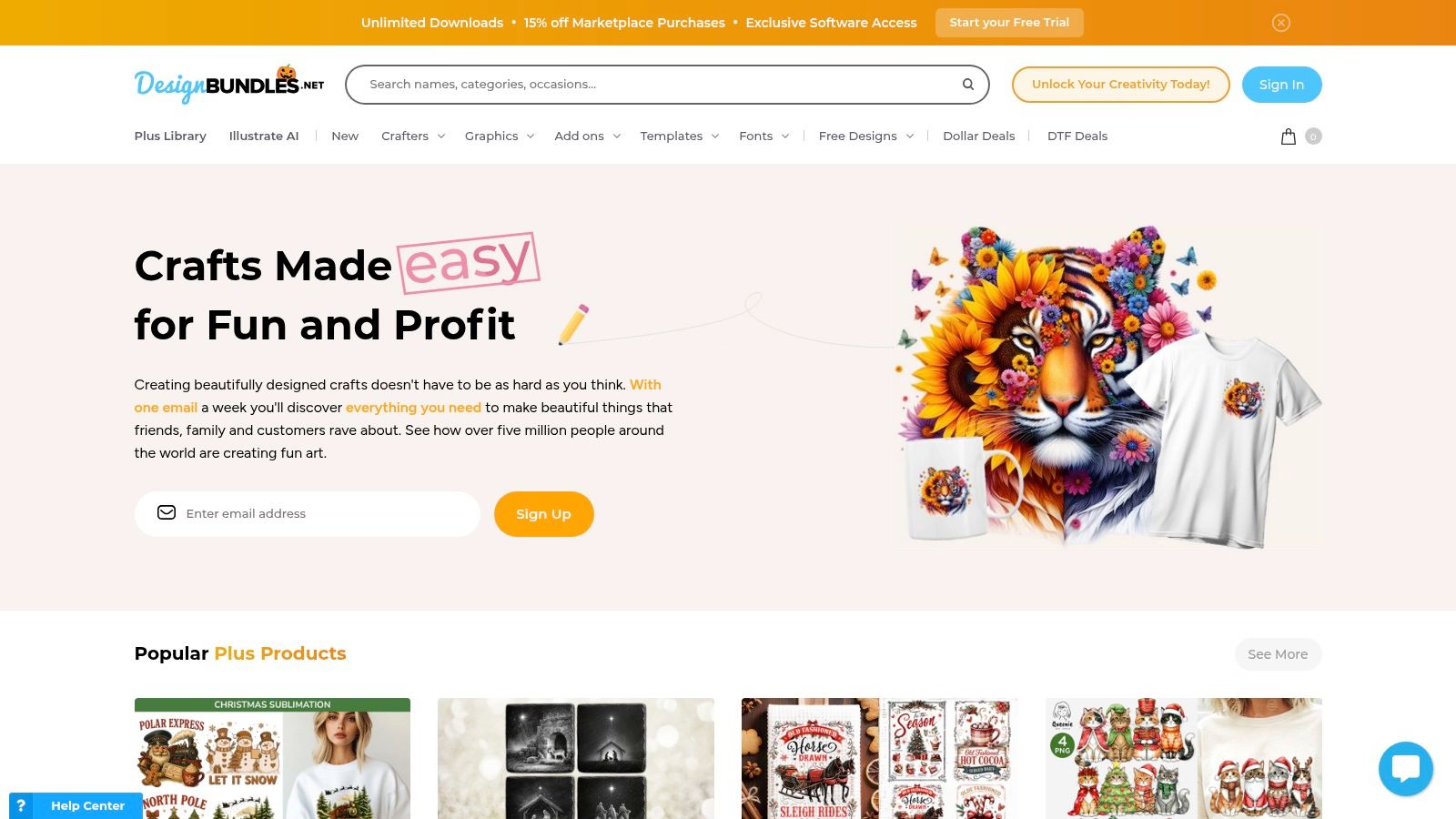
The platform is ideal for users who want to bypass the initial design phase entirely. You can find bundles tailored to specific industries like wellness, coaching, or real estate, often including covers, chapter pages, and worksheets. Because these are sold with commercial licenses, you can adapt them for your business needs without recurring fees, offering a cost-effective alternative to subscription services.
Key Features & Implementation Tips
Design Bundles provides a different approach by focusing on curated, ready-to-edit packages that cater to specific business needs.
- Niche-Specific Bundles: Search for terms like “coaching workbook Canva” or “real estate ebook” to find comprehensive packages often containing 20+ pages.
- Commercial Licenses: Most templates are sold with a commercial use license, allowing you to use them for your business’s lead generation efforts. Always check the specific license terms.
- One-Off Purchases: You buy what you need without a subscription. This is perfect for single campaigns or for building a library of templates over time.
Practical Tip: Always review seller ratings and read the full item description. Descriptions typically list the exact number of pages, file formats (Canva, InDesign, etc.), and whether stock images are included. This ensures the lead magnet template you purchase meets your technical and content requirements.
Pricing and Access
- Per-Product Pricing: Prices vary significantly depending on the seller and the complexity of the bundle, ranging from a few dollars to $50+.
- Plus Membership: A subscription option that provides credits for downloads and access to exclusive products, which can be cost-effective for frequent buyers.
Website: https://designbundles.net
6. Template.net
Template.net is a massive resource library for those who prefer creating marketing assets within familiar office software over dedicated design platforms. Its unique value is providing lead magnet files in formats like Google Docs and Microsoft Word, alongside traditional PSD and Illustrator files. This makes it an excellent choice for teams that are more comfortable editing text and layouts in a word processor than a design canvas, allowing for the quick creation of a functional lead magnet template.
The platform is geared toward practicality and speed for non-designers. You can find ready-to-edit layouts for ebooks, worksheets, and reports that can be customized and then exported directly to PDF for delivery. While the visual variety may not compete with design-centric sites, its strength is its accessibility for anyone who can use Google Docs, eliminating the learning curve associated with graphic design tools.
Key Features & Implementation Tips
Template.net serves users who prioritize content and structure over complex visual design, offering a straightforward path from template to finished PDF.
- Multiple File Formats: Templates are available for Google Docs, Word, Apple Pages, PSD, and Illustrator, offering unparalleled flexibility for different workflows.
- Broad Business Focus: Beyond marketing, the site includes templates for planning, reports, and other business documents, which can be repurposed as lead magnets.
- Online Editor: For quick edits without downloading software, some templates can be customized directly on the website before being exported.
Practical Tip: Use the Google Docs or Word version of a lead magnet template for collaborative content creation. Your writing team can finalize the copy directly in the document before a manager gives it a final review and exports it as a PDF, streamlining the entire production process.
Pricing and Access
- Free Templates: A selection of templates is available for free with attribution.
- Pro Plan: Starts at $8.25/month (billed annually). This provides unlimited access to their entire library of pro templates, designs, and documents.
Website: https://www.template.net
7. Gumroad
Gumroad is a popular marketplace for creators to sell digital products directly to consumers, making it a hidden gem for finding unique and specialized lead magnet templates. Unlike massive platforms, Gumroad hosts independent designers who often sell comprehensive template packs, which might include variations for ebooks, checklists, and social media graphics, all designed to work together cohesively. This direct-from-creator model means you can discover a lead magnet template with a distinct style you won’t find elsewhere.
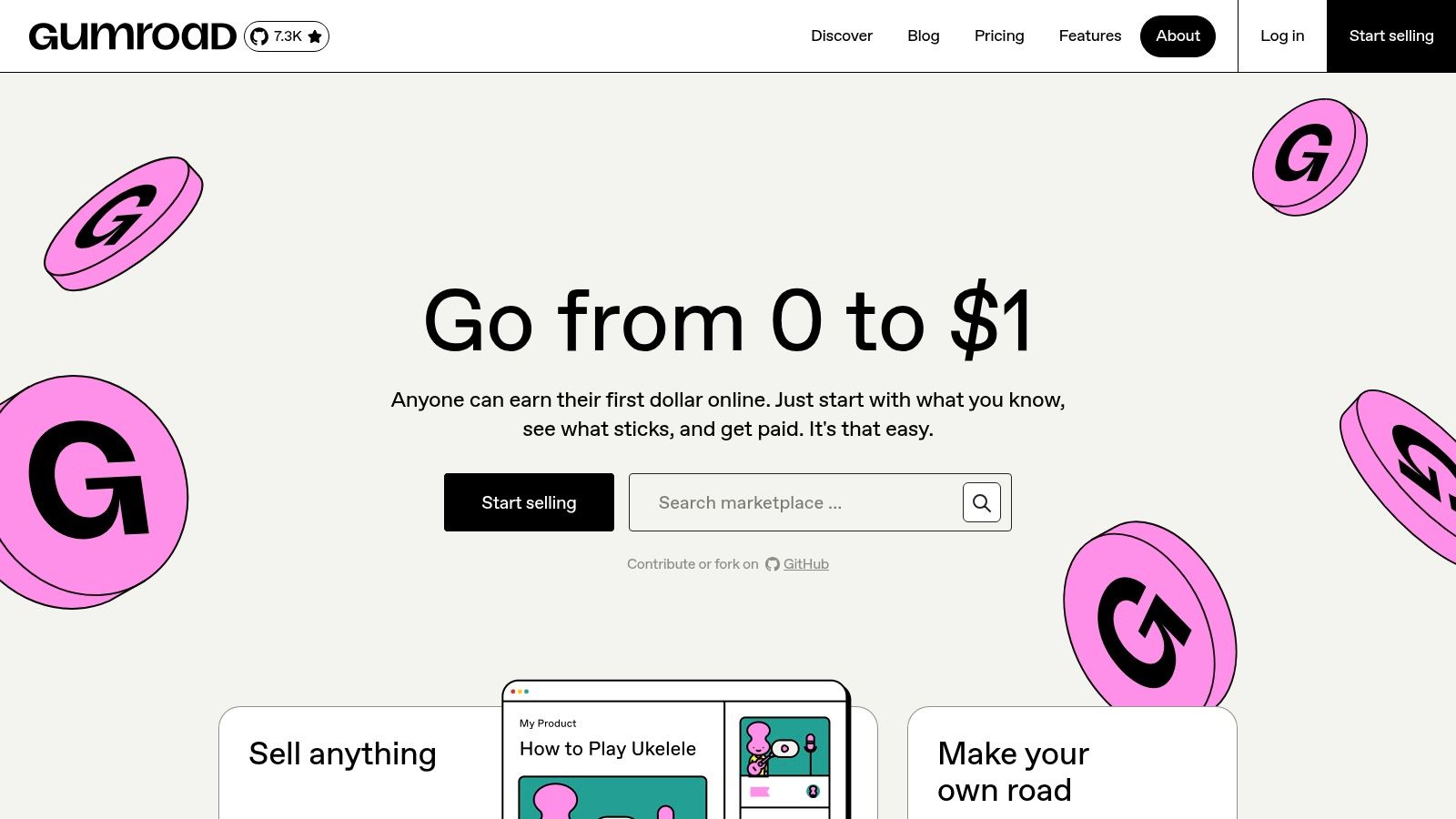
The platform’s strength lies in its niche offerings and the added value provided by sellers. Many listings include not just the templates (often editable in Canva or Adobe software) but also video tutorials, usage guides, or direct support from the designer. This can be incredibly helpful for marketers who want to understand the strategic thinking behind the design and how to best adapt it for their own campaigns.
Key Features & Implementation Tips
Gumroad excels by offering direct access to unique, creator-driven template bundles that often cater to specific industries or aesthetics.
- Niche-Specific Template Packs: Search for terms like “SaaS lead magnet” or “ecommerce checklist template” to uncover packs tailored to your industry.
- Direct Creator Support: Many sellers offer support or include detailed instructions, providing more value than a simple template download.
- Instant Delivery: Once purchased, digital files are delivered immediately to your inbox, allowing you to start customizing right away.
Practical Tip: Before purchasing, carefully read the product description to check for software compatibility (e.g., Canva, Figma, Adobe InDesign) and licensing terms. Look at seller ratings and reviews to gauge the quality and support you can expect.
Pricing and Access
- Varies by Seller: Prices are set by individual creators. Templates can range from a few dollars for a simple checklist to $50+ for a comprehensive bundle with multiple assets and video tutorials. There is no subscription fee to browse or buy.
Website: https://gumroad.com
8. Beacon
Beacon is a specialized platform built from the ground up to create, publish, and manage lead magnets. Unlike general design tools, its entire workflow is optimized for lead generation, offering a suite of templates for ebooks, checklists, and resource guides that are designed to convert. This focus makes it an excellent choice for marketers who want an all-in-one solution for their lead magnet template needs.
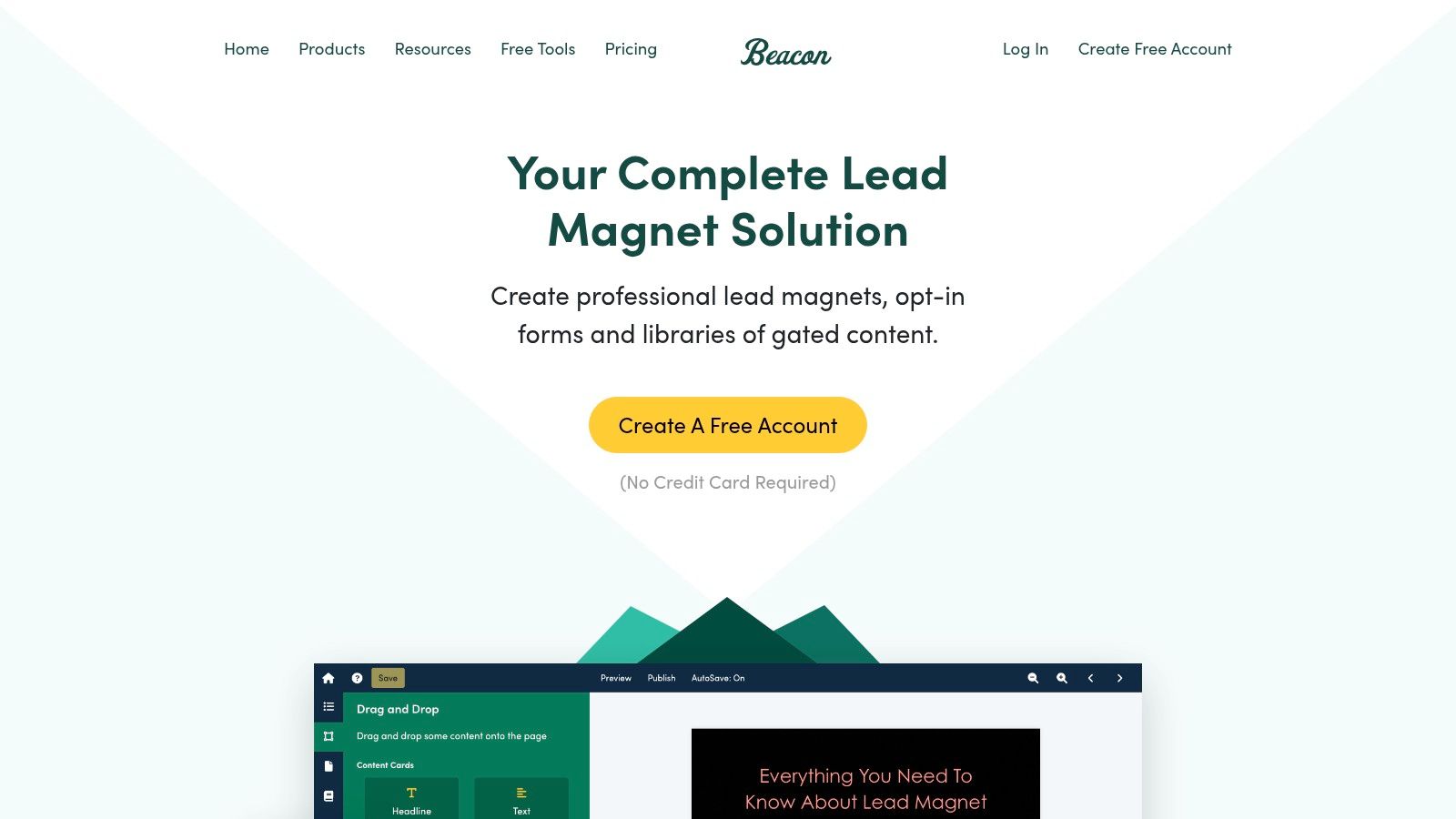
The platform’s standout feature is its ability to automatically convert existing blog posts into professionally designed lead magnets, saving countless hours of content repurposing. The user interface is clean, with a simple drag-and-drop editor that makes customization straightforward, even for those with no design experience. It also includes tools for creating opt-in forms and dedicated resource library pages to host your downloadable content.
Key Features & Implementation Tips
Beacon streamlines the entire process from content creation to lead capture, making it a powerful tool for content marketers.
- Blog Post Recycling: Instantly turn any URL into a formatted ebook or checklist, preserving images and text structure.
- Smart PDFs: Create lead magnets that include embedded call-to-action buttons and opt-in forms directly within the PDF.
- Template Library: Access a collection of professionally designed templates for various formats, all fully customizable.
Practical Tip: Use Beacon’s blog post recycling feature to identify your top-performing articles and quickly turn them into content upgrades. This is a highly effective way to offer relevant value based on a user’s interests. For deeper insights on matching your lead magnets to specific user groups, learn more about target audience segmentation.
Pricing and Access
- Free Forever: Create one lead magnet with Beacon branding.
- Professional: Starts at $49/month. Includes unlimited lead magnets, custom domains, and no Beacon branding.
Website: https://beacon.by
9. Visme
Visme is a powerful visual content platform that excels at creating interactive and animated lead magnets. While it offers standard formats like ebooks and checklists, its unique strength is in producing engaging, web-viewable content that goes beyond a static PDF. This makes it an excellent choice for brands wanting a more dynamic lead magnet template that captures attention.
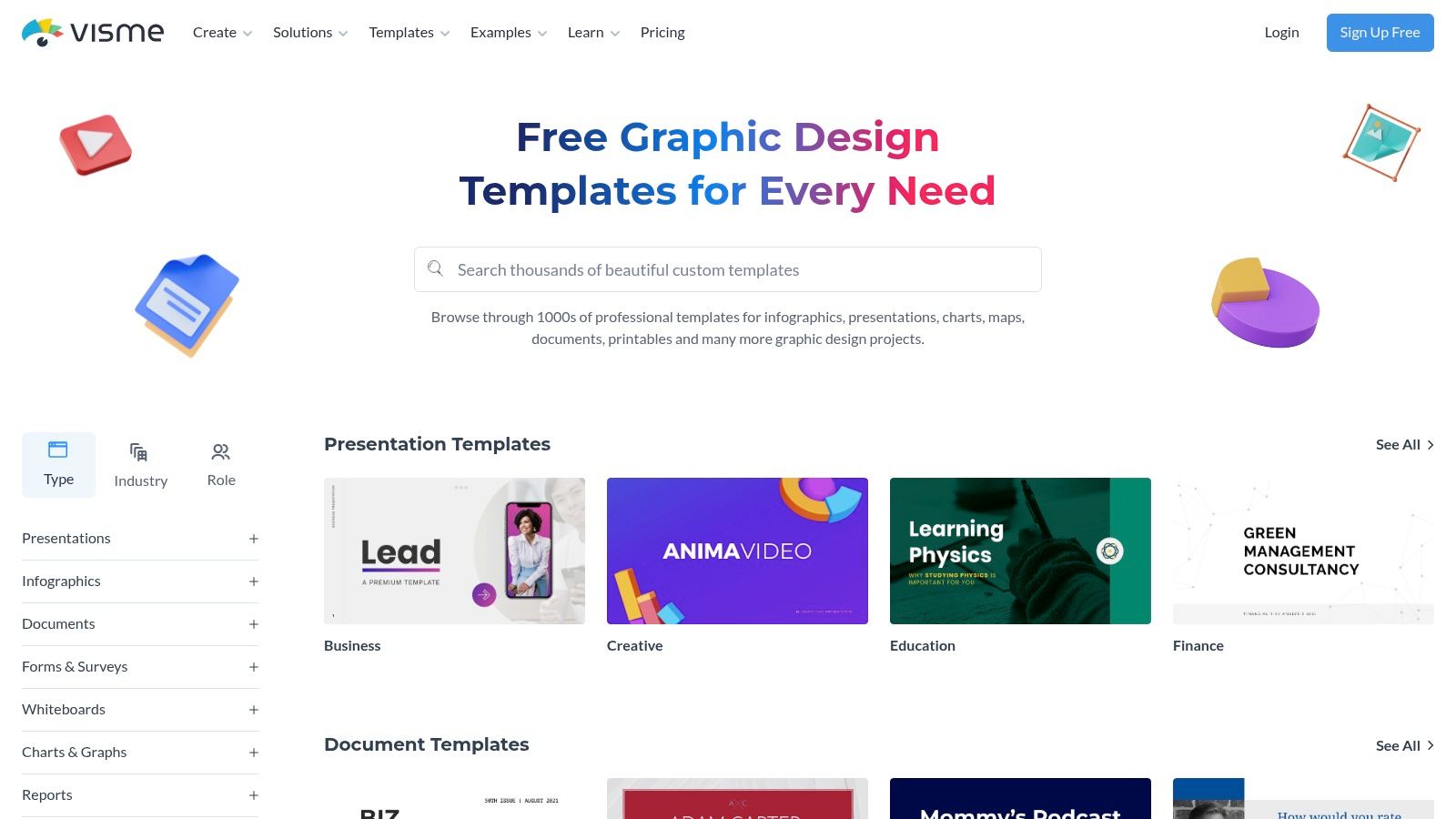
The platform is designed for creating presentations, infographics, and reports, but these capabilities translate perfectly to lead magnets. You can embed videos, add animations, or create interactive flipbooks that provide a richer user experience directly in the browser. This approach is particularly effective for SaaS companies demonstrating features or e-commerce brands showcasing product lookbooks. The focus on interactive elements can significantly improve the perceived value and overall user experience of your lead magnet.
Key Features & Implementation Tips
Visme stands out by enabling marketers to build lead magnets that feel more like micro-websites than simple documents.
- Interactive Outputs: Export your creations as HTML5 to embed them directly on a landing page or share them via a link. This allows for animations, clickable pop-ups, and embedded media.
- Data Visualization Tools: Easily add professional charts, graphs, and maps to your lead magnets to present data in a compelling way.
- Variety of Formats: Beyond PDFs, you can export your designs as high-resolution images (JPG/PNG) or even as animated GIFs and videos.
Practical Tip: Use the “Flipbook” effect on your multi-page ebook template. This creates a realistic page-turning animation that is far more engaging than scrolling through a standard PDF, making your content feel more premium.
Pricing and Access
- Basic: The free plan offers limited templates, storage, and includes Visme branding on all projects.
- Starter: Starts at $29/month (billed monthly) and removes branding, adds more templates, and unlocks PDF/JPG/PNG downloads.
- Pro: Starts at $59/month (billed monthly) and includes full download options (including HTML5), brand kit features, and advanced analytics.
Website: https://www.visme.co/templates
10. Mailchimp (Landing Page Templates)
While known primarily for email marketing, Mailchimp offers a powerful, integrated solution for deploying lead magnets through its free landing page builder. This is perfect for marketers who want a seamless system where a user signs up on a dedicated page and is immediately added to an email workflow to receive their requested resource. Instead of just a design tool, Mailchimp provides the complete capture-and-deliver mechanism.
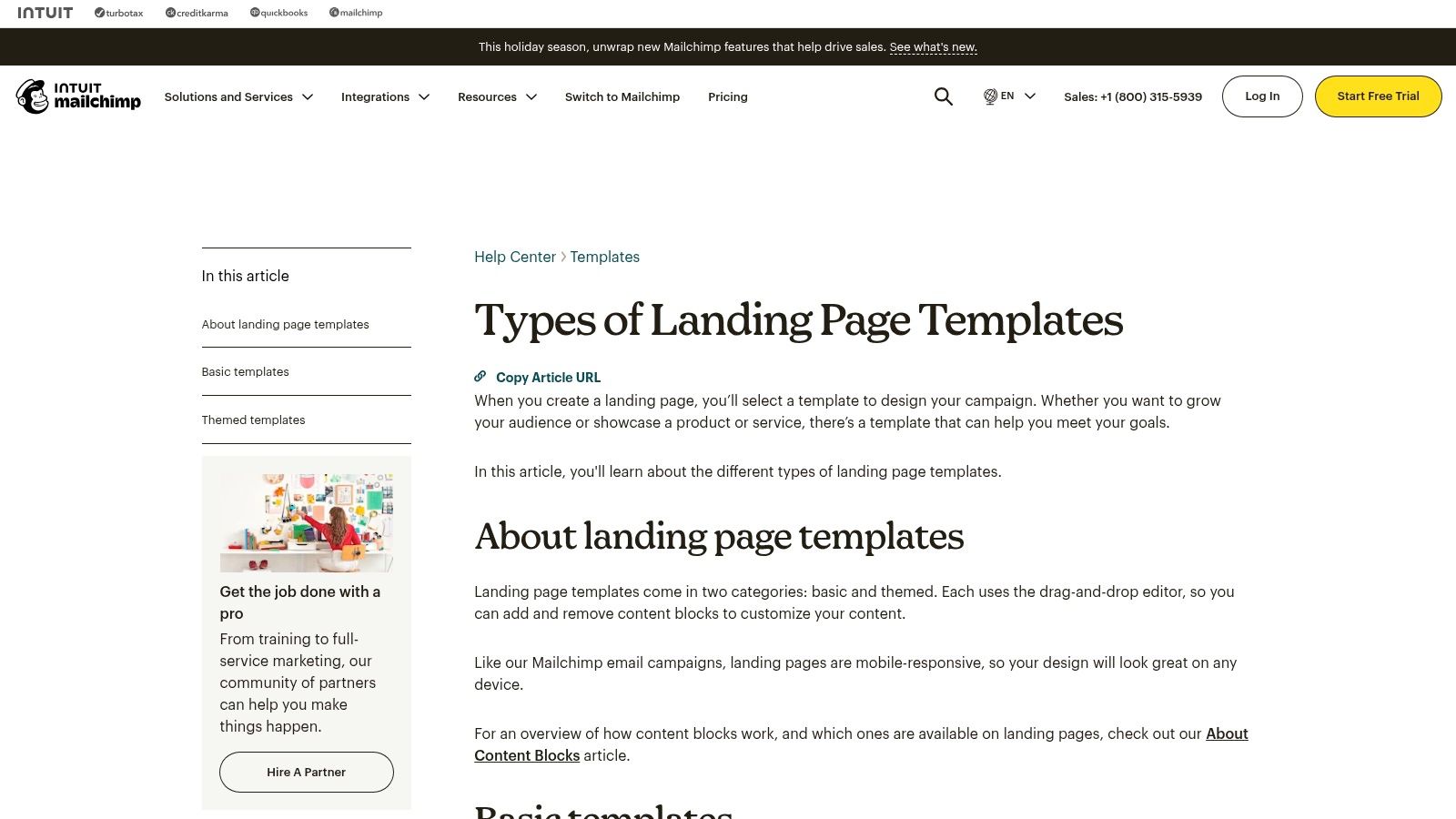
The platform’s strength is its direct integration with email automation. You can use a pre-built lead magnet template for your landing page, connect it to a specific audience, and automatically tag new subscribers based on which resource they downloaded. This functionality is crucial for segmenting your audience and sending targeted follow-up campaigns, turning a simple download into a long-term customer journey. The drag-and-drop editor is straightforward, making it quick to publish mobile-responsive opt-in pages.
Key Features & Implementation Tips
Mailchimp is ideal for those who need an all-in-one system for lead capture and nurturing without relying on third-party integrations.
- Integrated Automation: Automatically trigger an email with your lead magnet attached the moment someone subscribes via your landing page.
- Audience Tagging: Use tags to segment users who download specific lead magnets, allowing for highly relevant future marketing messages.
- Simple Analytics: Track views and new contacts directly within your Mailchimp dashboard to measure the page’s effectiveness.
Practical Tip: Create a dedicated “Welcome” automation for each lead magnet landing page. This allows you to deliver the promised PDF or link in the first email and then follow up with a series of related content to nurture the new lead. This is a proven strategy to boost conversions over time.
Pricing and Access
- Free Plan: Includes up to 500 contacts and allows you to publish landing pages, though Mailchimp branding will be present.
- Paid Plans: Start at $13/month (Essentials) and remove branding, offer more advanced automation features, and provide larger contact and send limits.
Website: https://mailchimp.com/help/types-landing-page-templates/
11. Venngage
Venngage is a powerful online design tool that specializes in data visualization and marketing-focused documents, making it a strong choice for creating professional ebooks and white papers. Its platform is particularly suited for non-designers who need to incorporate charts, graphs, and data into their content. Venngage provides a focused selection of templates designed specifically for lead generation, ensuring your final product is both informative and effective at capturing leads.
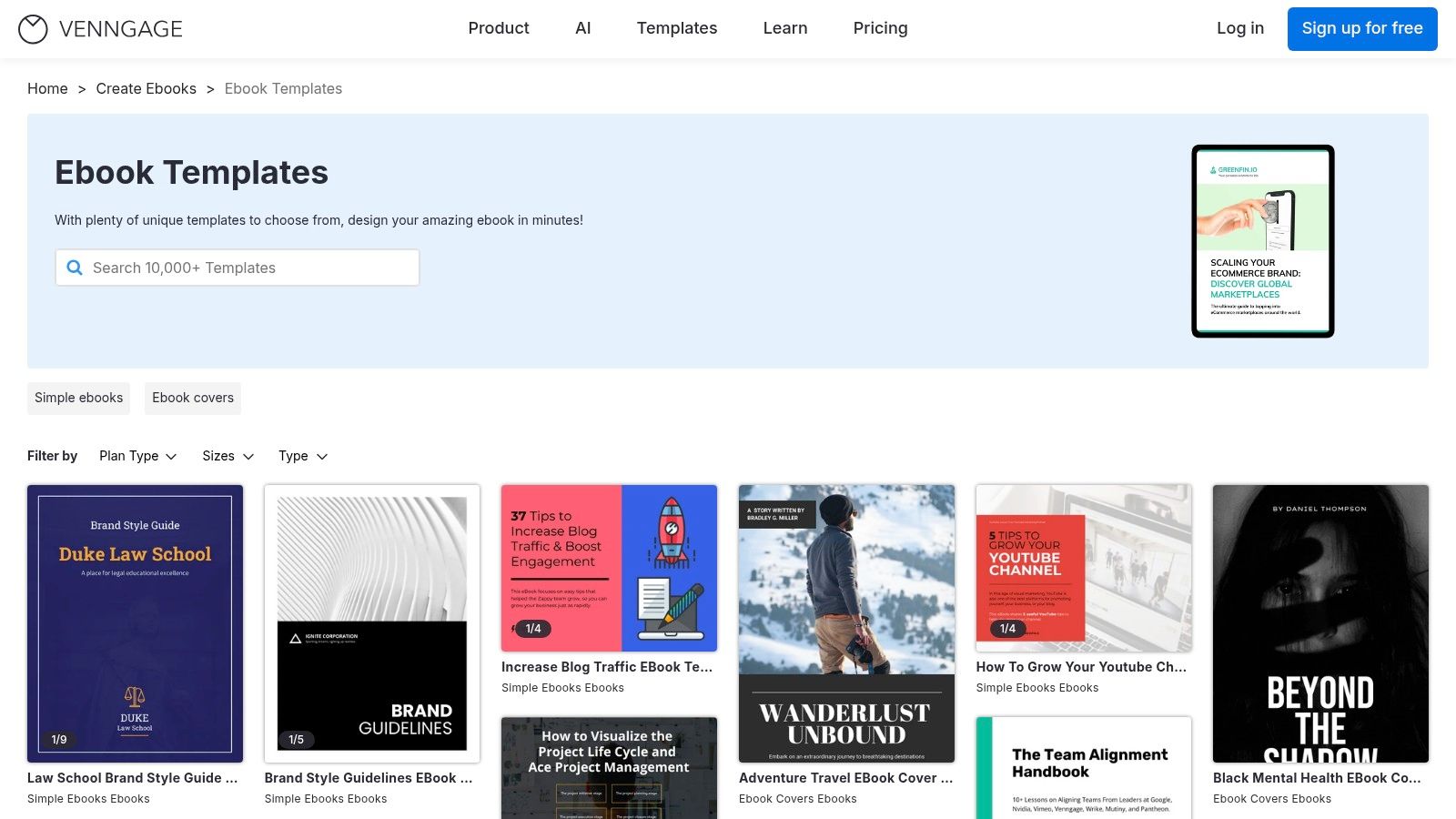
The editor is intuitive and built around the needs of business communicators. Unlike more general design tools, Venngage’s templates are often structured around specific business use cases like marketing reports, project plans, and comprehensive guides. This focus makes it simpler to find a lead magnet template that aligns with B2B or data-driven content strategies, without getting lost in overly artistic options.
Key Features & Implementation Tips
Venngage excels at turning complex information into visually engaging and easy-to-digest lead magnets.
- Marketing-Focused Templates: The library is curated for business needs, offering layouts for ebooks, white papers, and reports in standard US Letter/A4 sizes.
- Built-in Charts & Graphs: Easily add and customize various charts by inputting your data directly, a standout feature for creating data-rich content.
- AI-Assisted Editing: Use AI tools to help generate or refine text directly within your design, streamlining the content creation process.
Practical Tip: Leverage the built-in chart tools to create a unique data-driven lead magnet. Compile industry statistics or proprietary data into a “State of the Industry” report or a data-backed white paper to offer exclusive value that competitors can’t easily replicate.
Pricing and Access
- Free Plan: Offers limited access to templates and features, with Venngage branding on exports.
- Premium Plan: Starts at $19/month per user. Unlocks premium templates, high-quality exports (PNG HD, PDF), and more design elements.
- Business Plan: Starts at $49/month per user. Adds brand kit functionality, team collaboration features, and multi-page PDF exporting.
Website: https://venngage.com/templates/ebooks
12. Ivory Mix
Ivory Mix is a specialized template shop and membership site designed for small business owners and content creators who rely heavily on Canva. It provides cohesive, ready-to-use lead magnet template bundles that include not just the core asset like an ebook or worksheet, but also promotional graphics. This bundled approach makes it a strong choice for marketers looking for an all-in-one solution to launch a new opt-in offer quickly.
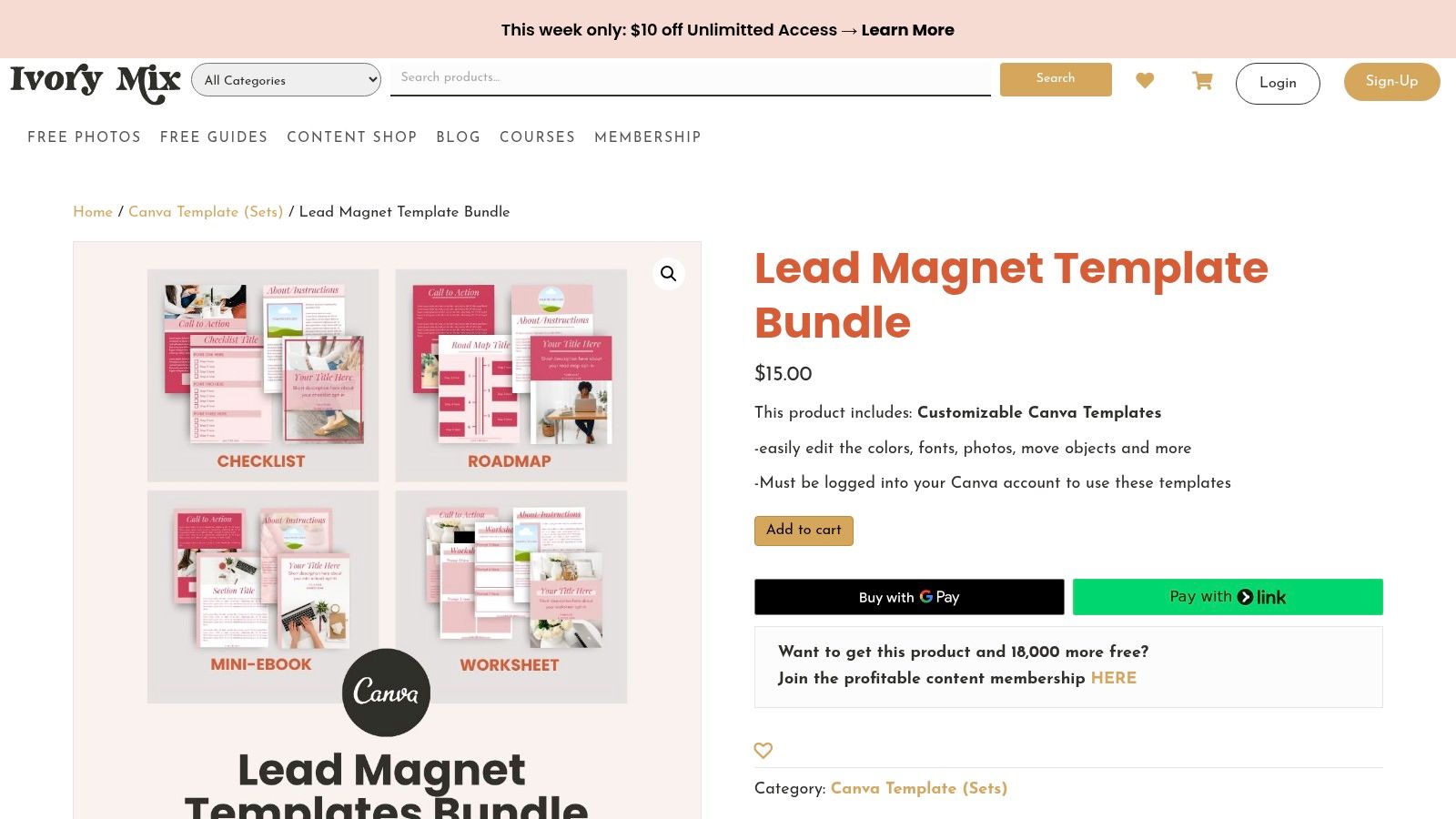
The platform’s strength lies in its focus on practical, marketer-friendly layouts. Each template is built in Canva and comes with clear instructions, making the customization process straightforward even for beginners. While the catalog is smaller than massive marketplaces, the quality and thoughtful design of each lead magnet template ensure you can produce a professional-looking resource without needing design expertise.
Key Features & Implementation Tips
Ivory Mix excels by providing complete, aesthetically pleasing packages tailored for non-designers who need to move fast.
- Cohesive Bundles: Templates often include multi-page ebooks, workbooks, checklists, and corresponding social media graphics to promote them.
- Canva-Centric: All templates are fully editable in Canva, leveraging its user-friendly drag-and-drop interface for easy customization.
- Mix-and-Match Pages: The templates are designed with versatile page layouts (sized for US Letter), allowing you to easily add, remove, or reorder pages to create a custom document.
Practical Tip: When using an Ivory Mix bundle, start by customizing the “master” pages like the cover, introduction, and call-to-action page. Once these core elements reflect your brand, you can quickly assemble various lead magnets by duplicating and arranging the pre-designed content pages.
Pricing and Access
- Individual Templates: Bundles can be purchased a la carte, typically ranging from $27 to $67.
- Ivory Mix Membership: Provides access to the entire library of templates, photos, and training resources for a recurring fee, offering better value for prolific content creators.
Website: https://ivorymix.com/product/lead-magnet-template-bundle/
Top 12 Lead Magnet Template Providers — Comparison
| Tool | Core features | UX / Quality | Price & Value | Target audience | Unique selling point |
|---|---|---|---|---|---|
| Canva | Massive editable template library, drag‑and‑drop, export PDF/web | ★★★★★ 🏆 | 💰 Free → Pro (brand kit, assets) | 👥 Non‑designers & marketers | ✨ Huge template ecosystem, Brand Kit |
| Etsy | Marketplace of instant digital template downloads, niche styles | ★★★★☆ | 💰 Low‑cost one‑offs | 👥 Small businesses & niche buyers | ✨ Unique, seller‑driven styles |
| Creative Market | Curated premium templates, commercial licensing, previews | ★★★★★ 🏆 | 💰 Pay‑per‑item (higher avg price) | 👥 Brands & designers | ✨ Professional, brand‑ready packs |
| Envato Elements | Unlimited downloads subscription, multi‑format assets | ★★★★☆ | 💰 Subscription — great value for volume | 👥 Agencies & frequent creators | ✨ Unlimited downloads + commercial license |
| Design Bundles | Niche Canva packs and design bundles, frequent promos | ★★★★☆ | 💰 Affordable one‑offs, frequent deals | 👥 Small businesses & marketers | ✨ Clear pack contents, bargains |
| Template.net | Templates in Docs/Word/PSD/AI, online editing option | ★★★☆☆ | 💰 Some free + paid plans | 👥 Office users & non‑designers | ✨ Office‑format templates (Docs/Word) |
| Gumroad | Direct‑from‑creator template packs, instant delivery & updates | ★★★★☆ | 💰 Pay‑per‑item, often affordable | 👥 Niche creators & buyers | ✨ Direct seller support, unique packs |
| Beacon | Lead‑magnet builder, blog→lead conversion, opt‑in forms | ★★★★★ 🏆 | 💰 Free tier → paid for advanced features | 👥 Marketers & bloggers | ✨ Purpose‑built lead‑gen workflows |
| Visme | Editable templates + interactive/animated outputs, flipbooks | ★★★★☆ | 💰 Freemium; paid for exports/advanced | 👥 Visual marketers, web‑view lead magnets | ✨ Interactive/HTML5 & animated outputs |
| Mailchimp (Landing Pages) | Lead‑gen landing pages, signup forms, automations | ★★★★☆ | 💰 Free start; paid for advanced automations | 👥 Email marketers & small businesses | ✨ Integrated delivery + automations |
| Venngage | Ebook/checklist templates, AI editing, charts & embeds | ★★★★☆ | 💰 Freemium → premium plans | 👥 Marketers & data‑driven creators | ✨ AI‑assist + built‑in charts |
| Ivory Mix | Canva‑ready lead magnet bundles, marketer tutorials | ★★★★☆ | 💰 Affordable bundles, membership option | 👥 Small‑business marketers | ✨ Marketer‑focused Canva packs & guides |
How to Deploy and Promote Your New Lead Magnet for Maximum Impact
You’ve explored the landscape of high-converting lead magnet templates, from the design-forward options on Canva and Visme to the niche-specific treasures on Etsy and Ivory Mix. We’ve dissected everything from PDF checklists and swipe files to quiz templates and one-pagers, equipping you with the foundational assets to build a powerful lead generation engine. But possessing a professionally designed lead magnet template is only the first step. The real art lies in its strategic deployment and promotion, which ultimately determines whether it becomes a growth catalyst or simply a well-designed file sitting on your hard drive.
The core takeaway is that value and visibility are a powerful combination. A lead magnet succeeds when it solves a specific, urgent problem for your target audience, and it thrives when it’s placed in their direct line of sight at the precise moment of need. Your choice of template and platform, as discussed, sets the stage for perceived value. Your deployment strategy brings that value to life.
Key Takeaways and Actionable Next Steps
To transform your newfound resources into tangible results, focus on these critical actions. This is where you move from planning to execution, ensuring your lead magnet template fulfills its ultimate purpose: converting visitors into leads.
- Audit Your Audience’s Pain Points: Before customizing any template, revisit your ideal customer profile. What is their single most pressing challenge that your lead magnet can solve quickly? The best lead magnets offer an immediate win, not a comprehensive encyclopedia. A DTC brand might find a “10-Point Product Photography Checklist” far more effective than a generic “Guide to E-commerce.”
- Match the Template to the Funnel Stage: A top-of-funnel visitor browsing blog posts will respond better to a low-commitment checklist or swipe file. A visitor on your pricing page, however, might be more inclined to download a detailed case study or ROI calculator. Align the lead magnet’s depth and format with the user’s intent at each stage of their journey.
- Prioritize Strategic Placement: Don’t just bury your lead magnet on a dedicated landing page. Think contextually.
- Blog Posts: Embed relevant CTAs within the content and use an exit-intent popup offering a related resource.
- Homepage: A non-intrusive notification bar or a “hello bar” can capture attention without disrupting the user experience.
- Product/Service Pages: Use slide-in CTAs that offer a buying guide or comparison sheet.
- Craft Irresistible CTAs: Your call to action is the gateway to your lead magnet. Instead of a generic “Download Now,” use benefit-driven language. For example, change “Download Your Ebook” to “Get Your Free 5-Minute Website SEO Audit Checklist.” Highlight the speed and the specific outcome.
Choosing Your Path Forward
Selecting the right tool or platform from our list depends entirely on your team’s resources and goals.
- For maximum creative control and brand alignment, platforms like Canva and Visme are unparalleled. They are ideal for in-house marketing teams that want to produce a high volume of unique, visually consistent assets.
- For speed and variety, marketplaces such as Etsy, Creative Market, and Envato Elements provide a wealth of professionally designed, ready-to-go templates. These are perfect for startups, solo entrepreneurs, and agencies needing to launch campaigns quickly for multiple clients.
- For an all-in-one solution that combines creation, hosting, and delivery, specialized tools like Beacon are a game-changer. This is the best route for teams who want to streamline their entire lead magnet workflow and minimize technical hurdles.
Ultimately, the most effective strategy is to start small, deploy your chosen lead magnet template in one or two high-traffic locations, and meticulously track its performance. Measure your conversion rates, analyze the quality of leads generated, and don’t be afraid to iterate. The insights you gain from your first launch will be invaluable for optimizing future lead generation campaigns. Your journey from a simple template to a robust lead-generating machine begins now.
Now that you have the perfect lead magnet, it’s time to put it in front of every visitor. LoudBar lets you deploy stunning, non-intrusive notification bars in seconds to promote your new checklist, guide, or quiz. Drive more downloads and capture more leads directly from your highest-traffic pages by visiting LoudBar.