Before you can start fixing your abandoned cart problem, you have to play detective. Simply knowing that around 70% of online shopping carts are abandoned isn’t enough—that’s just a statistic. To make a real difference, you need to dig into why your specific customers are leaving without buying.
This process isn’t about guesswork; it’s about building a data-driven plan to smooth out the bumps in your buying journey. By pinpointing the exact moments of friction, you can create a checkout experience that feels seamless and trustworthy, which is the first step toward improving your https://blog.loudbar.co/tag/conversion-rates/.
Pinpointing Why Your Customers Abandon Carts
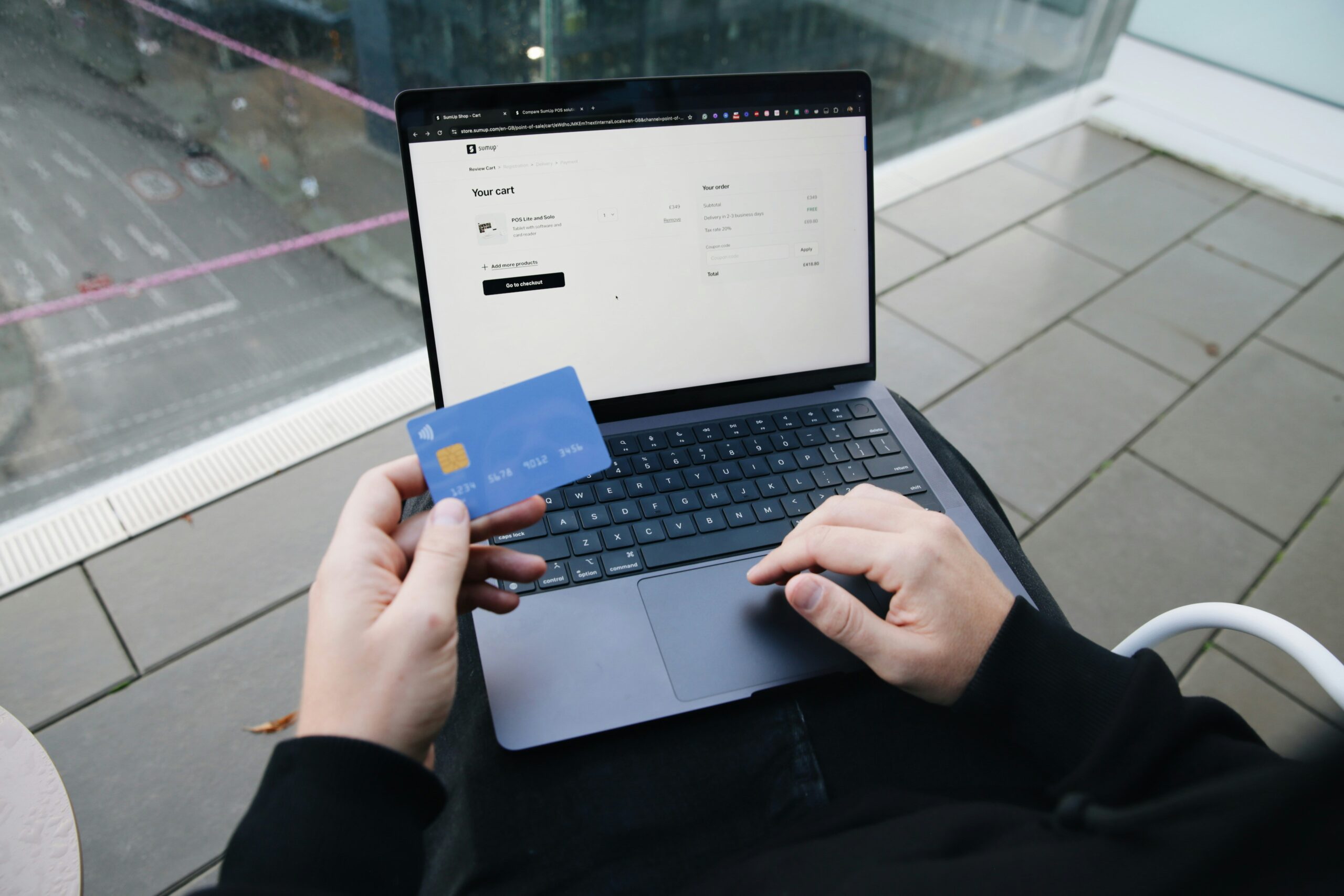
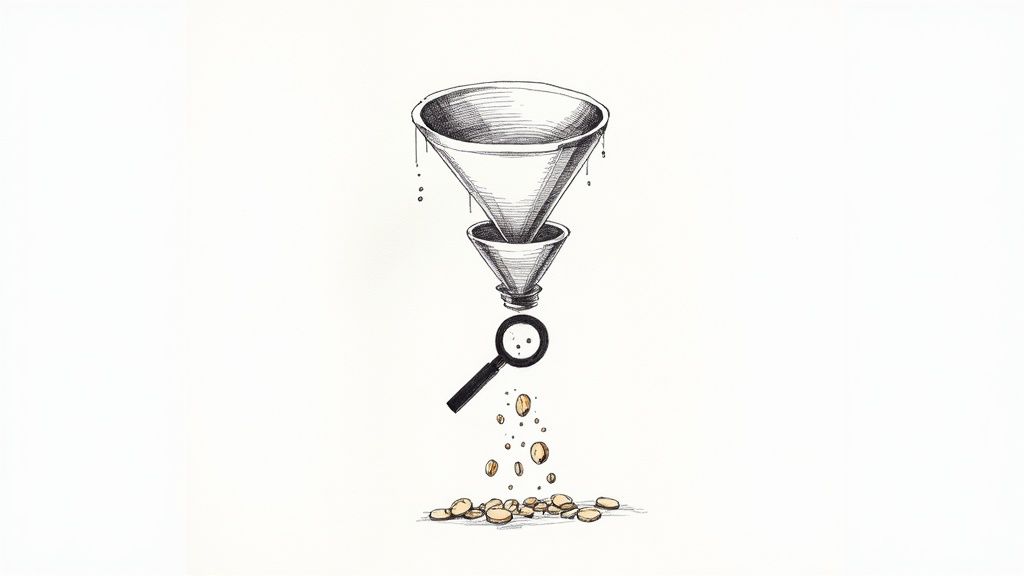
The real work starts when you stop looking at global averages and start analyzing your own checkout funnel. Your analytics are your best friend here. Where are people dropping off? Is there a mass exodus on the shipping page? Or maybe the payment step is where things go wrong? Knowing where the leak is gives you a huge clue as to why.
Uncovering Hidden Costs and Friction
Let’s be honest: nobody likes surprise fees. It’s one of the fastest ways to lose a sale. In fact, research shows that unexpected costs are the number one reason people bail.
Globally, about 48% of shoppers walk away because of high shipping costs, and another 41% leave due to other unexpected fees. The lesson here is crystal clear: be upfront about all costs. When a customer gets sticker shock at the final step, you don’t just lose a sale—you lose their trust.
It’s time to put on your customer hat and go through your own checkout. What seems simple to you might be a major headache for a first-time buyer.
Keep an eye out for these common conversion killers:
- Forced Account Creation: This is a huge one. Forcing someone to create an account before they can give you money adds unnecessary friction. Always offer a guest checkout option.
- Complicated Forms: Are you asking for their life story? Every single form field you can cut makes the process easier and faster for the customer.
- Missing Trust Signals: Shoppers are savvy. If they don’t see security badges, a clear return policy, or customer reviews, they might think twice before handing over their credit card information.
Here’s a quick look at some of the most common friction points I’ve seen and how you can address them.
Common Checkout Friction Points and Their Solutions
| Friction Point | What It Looks Like to Customers | Actionable Solution |
|---|---|---|
| Unexpected Shipping Costs | “Why is shipping so expensive?” or “I didn’t see this fee until the last second!” | Display shipping costs upfront on the product or cart page. Offer a shipping calculator or free shipping thresholds. |
| Forced Account Creation | “I just want to buy this, not sign up for a newsletter and create a password.” | Always provide a prominent “Guest Checkout” option. Allow account creation after the purchase is complete. |
| Long & Confusing Checkout | “How many more pages are there? This is taking forever.” | Use a progress bar to show shoppers where they are. Condense the checkout into a single page or fewer steps. |
| Lack of Payment Options | “You don’t take Apple Pay? I’ll just buy it somewhere else.” | Offer multiple payment methods, including digital wallets like PayPal, Apple Pay, and Google Pay. |
| Security Concerns | “Is this site safe? It looks a little sketchy.” | Prominently display trust badges (SSL, McAfee), customer testimonials, and clear contact information. |
By systematically identifying and fixing these issues, you move from reacting to problems to proactively creating a better experience.
Gathering Direct Customer Feedback
Your analytics will tell you what people are doing, but they won’t tell you why. For that, you need to go straight to the source: your customers.
Don’t be afraid to ask shoppers who abandoned their carts for a little feedback. A simple, well-timed survey can uncover insights you’d never find in a spreadsheet. You might learn your shipping options are confusing or that your return policy isn’t clear enough.
A great way to collect this information is with a dedicated cart abandonment survey template. It helps you ask the right questions to get actionable, structured feedback.
This kind of qualitative feedback gets to the heart of the customer’s experience. It helps you understand their hesitations and frustrations on a human level. Once you diagnose the real issues, you’re no longer just plugging leaks in your funnel—you’re building a stronger, more resilient business.
Designing a Checkout That Feels Effortless and Trustworthy
Once a customer hits “checkout,” the hard part should be over. Your job now is to guide them across the finish line with as little friction as possible. Any hesitation or confusion at this point is a direct threat to your sale. In fact, a complicated checkout process is to blame for 17% of all abandoned carts, turning an almost-certain sale into just another statistic.
The goal here is to make the entire process—from cart to confirmation—feel so intuitive that the customer never has a reason to second-guess their purchase. Every single element, from the form fields to the button copy, needs to work in harmony to build confidence and keep them moving forward.
Simplify the Path to Purchase
Think about it: a confusing checkout is like trying to navigate a maze without a map. If shoppers don’t know how many steps are left or what info they’ll need next, they get anxious. Anxiety leads to abandonment.
A visual progress bar is a brilliantly simple fix for this. By clearly showing the stages—like “Shipping,” “Payment,” and “Review”—you set clear expectations and give the customer a feeling of control. They can see the light at the end of the tunnel, which makes them far more likely to stick with it.
Next, you need to ruthlessly cut the fat from your forms. Only ask for the information that is absolutely essential to fulfill the order. Every extra field is another tiny obstacle.
Here are a few ways to optimize your forms right now:
- Use an Address Auto-filler: Integrate something like the Google Places API to suggest and complete addresses as people type. It’s faster and cuts down on typos that cause delivery headaches later.
- Format Fields Intelligently: Automatically add spaces to credit card numbers as they’re entered. Use a single “Full Name” field instead of separate “First” and “Last” name boxes. These small tweaks make a big difference.
- Put Labels Above the Fields: Don’t use placeholder text as your primary label. People naturally look above the input box, and placeholder text vanishes the second they start typing, forcing them to guess.
Ditch the Forced Account Creation
Forcing a first-time buyer to create an account before they can check out is one of the biggest conversion killers out there. It’s a huge point of friction. They don’t want another password to remember just to buy a single item from a store they’ve never used before.
When you force registration, you’re basically saying, “Our marketing list is more important than your time.” That’s why a guest checkout option isn’t just nice to have—it’s non-negotiable.
Make the guest checkout the most obvious, easiest path. You can always ask them to create an account after the sale is complete. A simple “Save my info for next time” checkbox on the confirmation page is a much friendlier approach that respects their time and builds goodwill.
Build Rock-Solid Trust at the Final Step
The payment page is where shopper anxiety is at its peak. They’re about to hand over their credit card details, and even the slightest doubt about your site’s security can stop the sale cold. This is where trust signals become your most powerful tool.
Don’t just take my word for it—studies show that 60% of customers have bailed on a purchase because trust logos were missing. These little icons are mental shortcuts that instantly reassure shoppers their data is in safe hands.
Essential Trust Signals for Your Checkout Page:
- Security Badges: Display logos people recognize instantly: the padlock icon from your SSL certificate, Visa, Mastercard, PayPal, etc. These are universal symbols of a secure transaction.
- A Clear Return Policy: Don’t make them hunt for it. A simple summary like “30-Day Free Returns” right on the checkout page removes a huge chunk of perceived risk from their decision.
- Social Proof: A short, impactful customer quote or a star rating placed near the “Complete Purchase” button can be the final piece of reassurance a hesitant buyer needs.
- Accessible Help: Show a customer service number or a link to live chat. Just knowing that a real person is available if something goes wrong is often enough to boost a shopper’s confidence to click “buy.”
By designing a checkout that is both incredibly simple and visibly secure, you’re removing the final barriers between a shopper and a completed purchase. You’re not just processing an order; you’re delivering a great final experience that makes them want to come back.
Getting Shipping and Payments Right

You’ve done all the hard work to get a customer to the checkout. The last thing you want is for them to hit the brakes over a surprise shipping fee. Yet, this exact scenario plays out every single day. Unexpected costs are the number one killer of conversions, with 48% of shoppers pointing the finger directly at high shipping fees for bailing on a purchase.
It’s not just about the money. It’s about the psychology of the surprise. A fee that pops up out of nowhere feels like a penalty, instantly souring the experience and eroding the trust you’ve carefully built. The fix is simple but incredibly powerful: be completely transparent from the very beginning.
Eliminate the Sticker Shock
The smartest way to handle shipping costs is to make them a non-issue long before the final payment screen. When customers see shipping info early, it becomes just another part of their decision, not a last-minute dealbreaker.
This means showing shipping estimates right on the product page or in the cart itself. A simple zip code field that calculates the cost in real-time is a fantastic tool for this. You’re giving customers the information they need, right when they need it, putting them back in the driver’s seat.
Of course, the most effective strategy of all is leveraging the magnetic pull of free shipping. It’s a massive psychological win that can send conversion rates soaring.
Practical Shipping Strategies to Test:
- Set a Free Shipping Threshold: This is a classic for a reason. Offer free shipping on orders over a set amount, like $50 or $75. Not only does this remove the shipping pain point, but it also nudges customers to increase their average order value.
- Offer Flat-Rate Shipping: If a threshold isn’t in the cards, a predictable flat rate (e.g., “$5 standard shipping on all orders”) is the next best thing. It’s simple, easy to understand, and gets rid of any guesswork.
- Provide Multiple Options: Give your customers choices. Let them pick between standard, expedited, and—if you have a physical location—in-store pickup. This flexibility lets them choose what works best for their budget and timeline.
Offer a Smorgasbord of Payment Options
Just like hidden shipping costs can derail a sale, not having someone’s preferred payment method can be an equally abrupt dead end. Today’s shoppers simply expect to pay how they want to pay. If their favorite option isn’t there, they have no problem clicking over to a competitor who offers it.
Limited payment options are a huge point of friction. Think about it: research shows that 45% of customers now use ‘Buy Now, Pay Later’ (BNPL) services to afford their purchases. That alone shows you how important flexible payment solutions have become.
Your goal is to make paying for an item as thoughtless and easy as possible. The key is to embrace modern payment technologies that make the whole process disappear into the background.
Building a Diverse Payment Mix:
- Digital Wallets: Integrating one-click options like Apple Pay, Google Pay, and PayPal is basically mandatory now. They let customers fly past manual form entry, which is a lifesaver on mobile devices where typing is a pain.
- Buy Now, Pay Later (BNPL): Services like Klarna, Afterpay, and Affirm are exploding in popularity. They break larger purchases into smaller, interest-free installments, making big-ticket items feel much more accessible and less intimidating.
- Traditional Credit Cards: Of course, you still need to nail the basics. Make sure your credit card form is clean, auto-formats card numbers as they’re typed, and clearly displays the logos of the cards you accept.
By getting your shipping and payment strategies right, you remove two of the biggest roadblocks in the entire customer journey. You can turn potential deal-breakers into tools that build trust, offer flexibility, and give customers every reason to finally hit that “Complete Purchase” button. This is a fundamental part of learning how to reduce shopping cart abandonment for good.
Optimizing the Mobile Shopping Experience
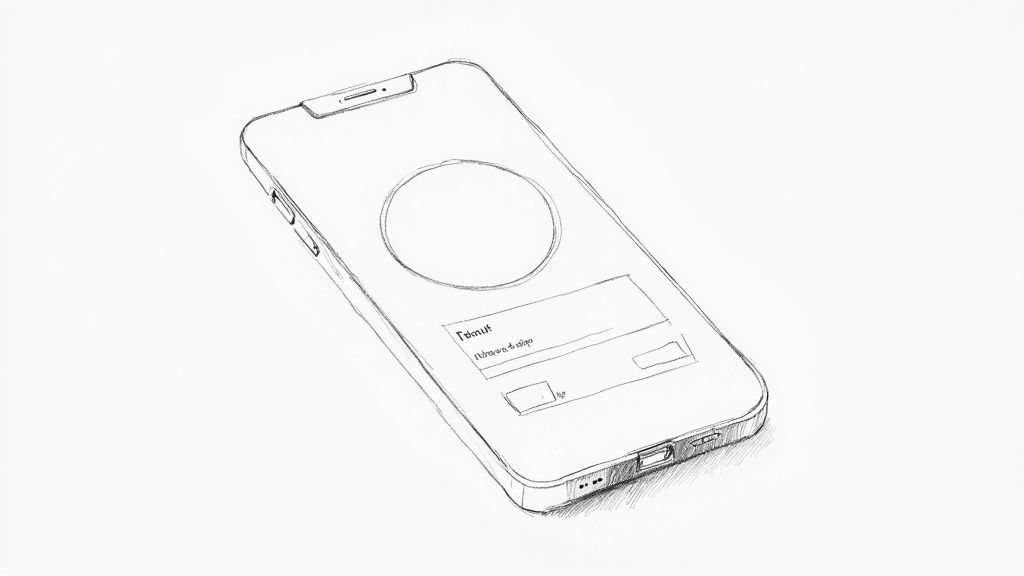
The journey from browsing to buying almost always happens on a phone these days. A huge chunk of your traffic is coming from smartphones, so if your checkout process is a clunky, frustrating mess on a small screen, you’re literally throwing money away. Designing for a desktop first means you’re building an experience that pushes away the majority of your potential customers.
The data backs this up in a big way. The cart abandonment rate on mobile is way higher than on desktop, hitting a staggering 80.2% in 2024. Think about it: smaller screens, spotty connections, and the sheer annoyance of typing all add up. It’s a massive drop-off point, and you can see more of the hard numbers by reviewing the latest mobile commerce statistics on redstagfulfillment.com. The takeaway here is simple: if you want to slash your abandonment rate, you have to build for mobile first.
Design for Thumbs, Not Cursors
“Mobile-first” isn’t just a buzzword; it’s a mindset. You have to design for how people actually use their phones. A mouse cursor is precise, but a thumb is clumsy. Your mobile checkout needs big, tappable buttons, plenty of space around clickable elements, and form fields that don’t require pinpoint accuracy to tap.
The most common mistake I see is sites that just shrink their desktop version for mobile. That’s a recipe for disaster. It results in microscopic text and links so close together you can’t help but hit the wrong one.
Focus on a clean, single-column layout that scrolls vertically. Put your most important buttons—like “Continue to Payment” or “Complete Purchase”—right where thumbs naturally rest at the bottom of the screen. This is the “thumb zone,” and it’s prime real estate.
When you nail this, the whole process feels intuitive, not like a chore. You’re reducing the friction that makes people bail. For more on creating these kinds of seamless customer journeys, take a look at our other guides on improving user experience.
Simplify Forms and Kill the Keystrokes
Let’s be honest: nobody likes typing on a phone. Every single form field you add is another reason for someone to give up and leave. Your goal should be to get them through checkout with the fewest keystrokes possible.
Go through your checkout forms with a critical eye. Do you really need their phone number, or is an email enough? Can you get away with one “Full Name” field instead of splitting it into “First” and “Last”? Every little bit helps.
Here’s how you can make your mobile forms less painful:
- Use the Right Keyboard: When a field asks for a phone number or credit card, the numeric keypad should pop up automatically. It’s a small detail that makes a world of difference.
- Lean on Address Autofill: Use tools like the Google Places API to suggest addresses as the user types. This is a double win: it saves them time and cuts down on typos that lead to delivery headaches.
- Remember Your Customers: If someone has bought from you before, for heaven’s sake, pre-fill their info! Making a loyal customer re-enter their address and payment details is a great way to make them a former customer.
Make Paying on Mobile Effortless
The final hurdle is the payment itself. This is where you can seal the deal or lose the sale. One-click digital wallets are your secret weapon for converting mobile shoppers.
Payment options like Apple Pay, Google Pay, and PayPal Express Checkout aren’t just perks anymore; they’re table stakes. These let customers pay with a fingerprint or a quick face scan, pulling their saved information automatically.
This completely bypasses the dreaded task of manually punching in credit card numbers and shipping details. By offering these trusted, familiar payment methods, you remove the last major point of friction and give people a lightning-fast, secure way to buy before they get distracted.
Crafting Effective Cart Recovery Campaigns
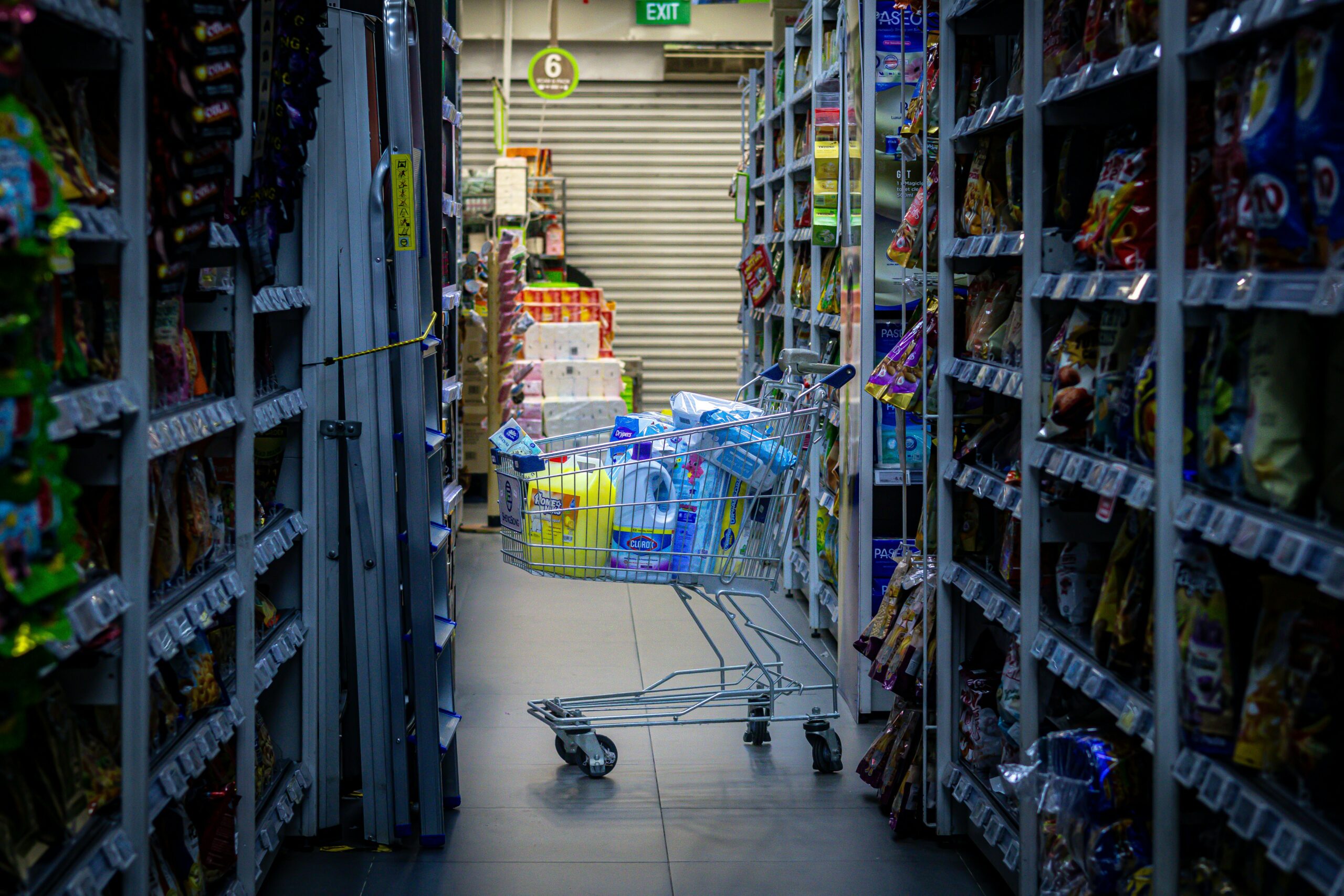
Even with a perfectly tuned checkout process, people will still leave. Life just gets in the way. The kids need a snack, the boss calls, or maybe they just want to sleep on the decision. Abandonment is a natural part of e-commerce, but it doesn’t have to be the end of the line.
A smart recovery strategy is your final line of defense to bring these high-intent shoppers back. This is where you pivot from passively optimizing their journey to actively persuading them to return. The best campaigns work both onsite—catching shoppers just as they’re about to leave—and offsite, reminding them of what they left behind.
Intercepting Abandonment with Onsite Tactics
That moment a shopper’s cursor drifts toward the back button is a golden opportunity. This is where an exit-intent popup can work wonders, but only if it provides genuine value. A generic “Don’t Go!” message is just a digital speed bump. A strategic, helpful offer, on the other hand, can be a game-changer.
Think about why they might be leaving. Was it the unexpected shipping cost? Hit them with a last-minute free shipping code. Are they hesitating on the total price? A small, time-sensitive discount might be the final push they need. The trick is to address a likely pain point, turning the interruption into a welcome solution.
Exit-intent offers are most powerful when they feel like a timely solution, not a desperate plea. For instance, a shopper who has been on the checkout page for a while might be debating the total cost. A popup that says, “Hesitating? Take 10% off to help with shipping” is far more effective than a generic one.
Tools like LoudBar are brilliant for this. You could trigger a vibrant, animated notification bar with a discount code that appears only when a user shows signs of leaving the cart page. This keeps the offer in their line of sight without hijacking the entire screen, making it a much friendlier way to present that last-minute incentive.
The Art of the Cart Recovery Email Sequence
Once a shopper has left your site, email becomes your most powerful tool for reeling them back in. Cart recovery emails are incredibly effective, with open rates often hovering around a massive 50%. But a single, generic “you left something” email just won’t cut it anymore. A well-timed sequence that builds on itself is where the real magic happens.
Your goal isn’t just to remind them; it’s to re-engage them and dismantle any lingering hesitation.
A Proven Three-Part Email Sequence:
- The Gentle Nudge (1 Hour Later): This first email is a simple, helpful reminder. Keep the subject line low-pressure, like “Did you forget something?” or “Your items are waiting!” Show a picture of what’s in their cart and include a big, clear button to take them right back.
- The Value Reinforcement (24 Hours Later): This follow-up goes beyond a simple reminder. You need to remind them why they wanted these items in the first place. Highlight product benefits, include a killer customer testimonial, or show off the 5-star rating. Add that social proof!
- The Final Incentive (48-72 Hours Later): If they still haven’t come back, it’s time to create a little urgency. This is where you can introduce a compelling, limited-time offer. A small discount or a free gift can be the final push needed to overcome whatever was holding them back.
The best emails feel personal, not automated. Digging into personalized marketing techniques will help you craft messages that genuinely connect with your customers based on their behavior.
To help you decide which channels to focus on, here’s a quick comparison of the different recovery methods.
Onsite vs. Offsite Recovery Tactic Comparison
This table offers a practical look at different cart recovery methods, helping you choose the right approach for your store.
| Tactic | Primary Goal | Example Tools | Best Used For |
|---|---|---|---|
| Exit-Intent Popups/Bars | Prevent abandonment before it happens | LoudBar, OptinMonster | Addressing immediate objections like shipping costs or offering a last-minute incentive to close the sale. |
| Cart Recovery Emails | Re-engage and persuade shoppers who have already left | Klaviyo, Mailchimp | Building a multi-touchpoint sequence to remind, provide social proof, and offer a final incentive. |
| Retargeting Ads | Maintain top-of-mind awareness on other platforms | Meta Ads, Google Ads | Reaching shoppers who don’t open emails by showing them the exact products they abandoned. |
| SMS/Push Notifications | Provide instant, high-visibility reminders | Postscript, PushOwl | Sending urgent, time-sensitive offers to shoppers who have opted-in to these channels. |
Each tactic has its place, and the most successful brands use a mix of onsite and offsite strategies to create a comprehensive safety net.
Re-Engaging Shoppers with Smart Retargeting
Not everyone opens their emails, which is why you can’t put all your eggs in one basket. Retargeting ads on platforms like Facebook and Instagram are perfect for keeping your products top-of-mind while your almost-customers are scrolling through their feeds.
The best retargeting ads are hyper-specific. Don’t just show a generic ad for your brand; display the exact products the user left in their cart. Dynamic product ads are built for this.
Tips for Effective Retargeting:
- Segment Your Audience: Don’t treat every abandoner the same. You might create one campaign for high-value carts and another for first-time visitors.
- Control Ad Frequency: Bombarding someone with the same ad is a fast track to annoyance. Set a frequency cap so you don’t burn out your audience.
- Use Compelling Ad Copy: Your ad copy should echo the messaging from your email sequence. Remind them of the product’s benefits or highlight that new customer discount to lure them back.
By combining intelligent onsite nudges with a strategic offsite follow-up, you create a powerful safety net. This system will catch a huge portion of would-be lost sales, turning those abandoned carts back into completed orders.
Your Top Cart Abandonment Questions, Answered
Even when you’ve done everything right, a few questions always pop up. This isn’t a textbook; it’s a quick-reference guide with straightforward answers to the real-world questions we hear from store owners every day. Let’s clear up the confusion so you can get back to winning sales.
What Is a Good Shopping Cart Abandonment Rate?
Everyone wants to know the magic number, but the truth is a bit more nuanced. While the global average sits around 70%, a truly “good” rate is one that’s consistently getting better. Chasing an industry-wide number is less important than outperforming yourself.
Top-tier stores can sometimes dip into the 60-65% range, but that’s not the starting line. Your goal should be to benchmark your current rate and then set small, achievable goals to chip away at it. Your own data is your most powerful metric.
The Real Goal: Stop worrying about a single industry average. A good cart abandonment rate is one you are actively and successfully lowering through smart, consistent testing.
This mindset shift is huge. It moves you from chasing an arbitrary number to focusing on continuous improvement—and that’s what actually grows your business.
How Soon Should I Send a Cart Recovery Email?
Timing is everything. Your first email needs to land in their inbox within one hour of them leaving your site. Any later, and the buying intent starts to fade. That initial nudge is your best shot because the products are still fresh in their mind.
But don’t stop there. A single email is rarely enough. A simple, well-timed sequence can work wonders.
Here’s a proven cadence that just works:
- The First Hour: Send a friendly reminder. The tone should be helpful, not pushy. Think “Did you forget something?” or “Your items are waiting for you.”
- After 24 Hours: This is where you reinforce value. Remind them why they wanted those items. A customer review, a 5-star rating, or a snippet of user-generated content can rebuild that initial excitement.
- After 48-72 Hours: If they still haven’t come back, it’s time to create a little urgency. A final email with a small, limited-time incentive like free shipping or a small discount can be the final push they need.
Does Guest Checkout Hurt My Marketing Efforts?
This is a classic concern, but the short answer is no—as long as you’re smart about it. Guest checkout is one of the most effective ways to reduce friction. Let’s be honest, nobody wants to create another account just to buy one thing.
The trick is to capture their information after the sale is complete, when the pressure is off.
Once they land on the order confirmation page, give them a simple, one-click option with a clear benefit. Something like:
- “Save my info for faster checkout next time.”
- “Create an account to track this order.”
This gives the customer the fast, seamless experience they came for, while you get a friendly, low-pressure opportunity to bring them into your world. It’s truly the best of both worlds.
Are Exit-Intent Popups Annoying to Users?
They absolutely can be. A generic “Wait! Don’t Go!” popup is the digital equivalent of a desperate salesperson chasing you out the door. It’s intrusive because it offers zero value.
But what if the popup offered a solution? A well-timed, strategic offer is often seen as helpful, not annoying. It all comes down to empathy.
Think about why someone is leaving. If a shopper is on the checkout page and their mouse heads for the exit, there’s a good chance unexpected shipping costs are the culprit. An exit-intent offer that provides a 10% discount or a free shipping code instantly solves that problem.
Suddenly, you’re not an annoyance; you’re providing great customer service and giving them the exact reason they need to finish their purchase.
Ready to turn those frustrating exit-intent moments into conversions? LoudBar helps you create attention-grabbing notification bars with irresistible offers that appear just when shoppers need them most. Stop losing sales and start recovering them with style at https://loudbar.co.