Tag: email marketing

  • 12 High-Converting Lead Magnet Template Resources for 2025

    12 High-Converting Lead Magnet Template Resources for 2025

    Generating high-quality leads is a foundational goal for nearly every business, from e-commerce brands to SaaS companies. Yet, the process of creating a compelling lead magnet from scratch can be a significant bottleneck. It demands design skills, content strategy, and a clear understanding of what converts. A well-designed lead magnet template solves this problem by providing a professional, structured starting point, allowing you to focus on the value of your content rather than the complexities of layout and design. This guide eliminates the guesswork by curating the best platforms and marketplaces for high-converting templates.

    This resource list is designed for immediate action. We dive into twelve of the best sources for lead magnet templates, including everything from PDF checklists and e-books to interactive quizzes and email course outlines. For those needing a deeper dive into the strategy behind these assets, our guide on Lead Magnets Explained From Concept To Conversion offers a comprehensive overview. Each entry in our list provides a clear breakdown of its unique strengths, ideal use cases, and potential limitations, so you can quickly identify the perfect fit for your specific marketing goals and budget.

    Whether you’re a marketing agency managing multiple clients, a startup founder needing a quick on-site CTA, or a content creator looking to grow your email list, the right template can dramatically accelerate your list-building efforts. We’ve included direct links and screenshots for each platform, ensuring you can find and implement the ideal resource efficiently. Let’s explore the templates that will help you turn website visitors into loyal subscribers.

    1. Canva

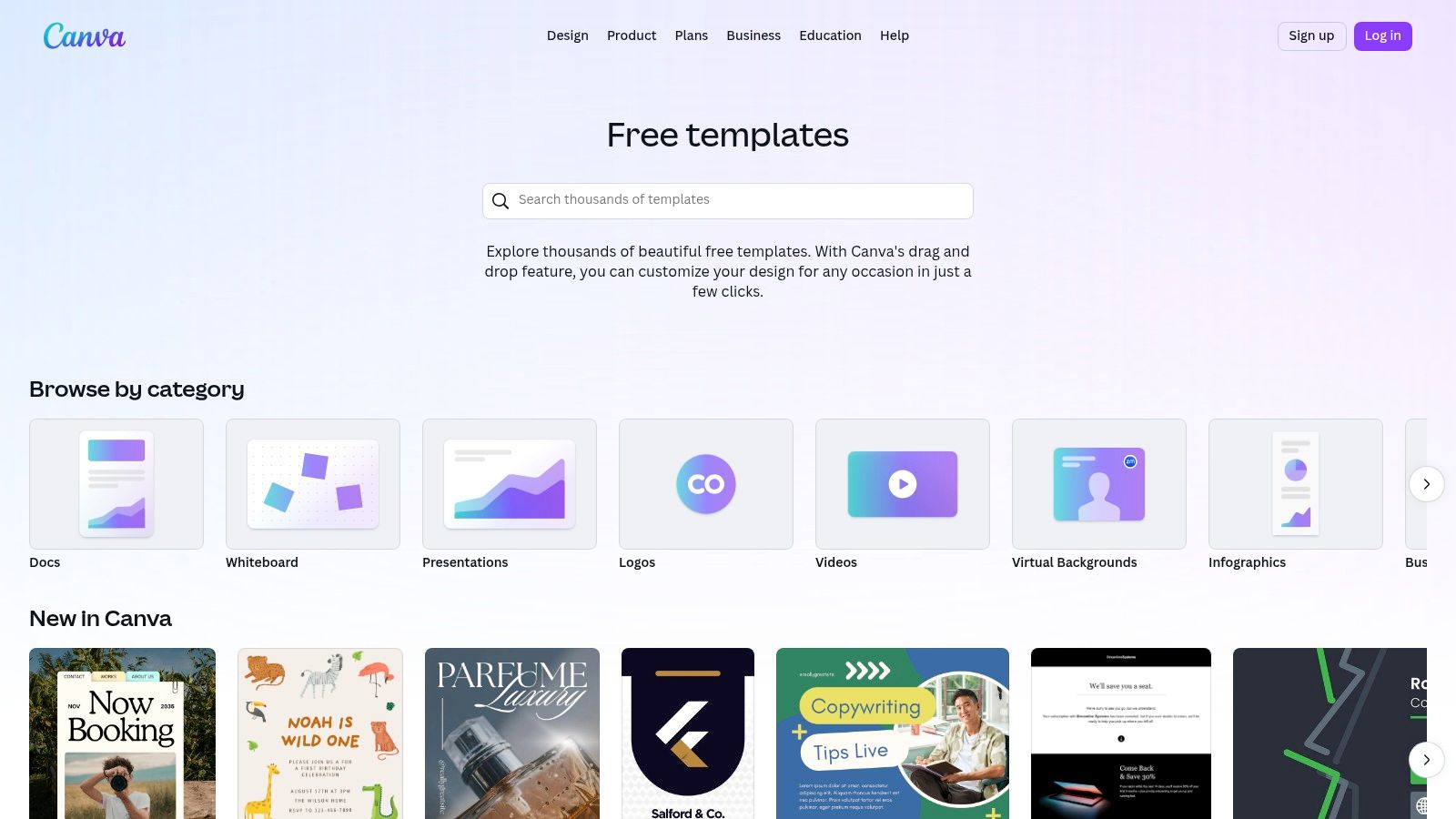
    Canva is an indispensable design platform for marketers and business owners who need to create visually appealing lead magnets without a graphic design background. Its strength lies in its vast library of professionally designed templates that can be quickly customized for various formats, including ebooks, checklists, worksheets, and infographics. This makes it an ideal starting point for anyone looking for a high-quality lead magnet template.

    Canva

    The user experience is built around a simple drag-and-drop editor, allowing for rapid customization. For brands, the “Brand Kit” feature (available on the Pro plan) is a significant time-saver, letting you apply your brand’s specific colors, fonts, and logos to any template with a single click. This ensures brand consistency across all your marketing materials, from a simple checklist to a comprehensive multi-page guide.

    Key Features & Implementation Tips

    Canva stands out by democratizing design, making it accessible for SaaS teams, e-commerce brands, and content creators alike.

    • Massive Template Library: Search for specific terms like “checklist template” or “ebook” to find dozens of relevant starting points.
    • Easy Exporting: You can download your finished design as a print-ready PDF, a standard PDF for web use, or even share it as a direct link.
    • Rich Media Integration: The platform includes a massive library of stock photos, icons, charts, and graphics, many of which are available on the free plan.

    Practical Tip: To create a cohesive lead magnet template, start by setting up your Brand Kit. Then, create a master template for one lead magnet type (e.g., a one-page checklist) and duplicate it for future offers to maintain a consistent look and feel.

    Pricing and Access

    • Canva Free: Offers robust functionality with thousands of free templates and design elements.
    • Canva Pro: Starts at $119.99/year for one person. It unlocks premium templates, the Brand Kit, Magic Resize, and a larger library of stock assets. This is highly recommended for serious marketing efforts.

    Website: https://www.canva.com/templates/

    2. Etsy

    Etsy serves as a massive marketplace not just for physical goods, but for digital products, making it a goldmine for unique and niche-specific lead magnet templates. Independent creators offer thousands of pre-made designs, often sold as editable Canva files, covering everything from detailed workbooks to simple one-page checklists. This is an excellent solution for businesses wanting a more distinct aesthetic than what standard platforms provide.

    The platform’s value lies in its sheer variety and affordability. You can find a professional, multi-page lead magnet template for a fraction of the cost of a custom design. The instant digital download model means you can purchase a template and begin customizing it within minutes. Seller ratings and customer reviews are crucial here, providing social proof to help you gauge the quality and ease of use before buying.

    Key Features & Implementation Tips

    Etsy is perfect for finding a creative spark or a ready-to-go solution that aligns with a specific industry, from wellness coaching to real estate.

    • Huge Variety of Styles: Search for terms like “boho ebook template” or “minimalist checklist” to find designs that perfectly match your brand’s visual identity.
    • Instant Digital Downloads: Once purchased, you typically receive a PDF with a direct link to the editable template in Canva.
    • Seller Ratings and Reviews: Always check feedback from previous buyers to ensure the template is high-quality and the seller is reputable.

    Practical Tip: Before purchasing, carefully read the item description. Some sellers use Canva Pro elements in their designs. If you only have a free Canva account, these elements will appear with a watermark, requiring you to either upgrade or replace them.

    Pricing and Access

    • Varies by Seller: Prices can range from just a few dollars for a simple one-page template to $30+ for comprehensive lead magnet bundles. Most are one-time purchases.

    Website: https://www.etsy.com/search?q=lead+magnet+template

    3. Creative Market

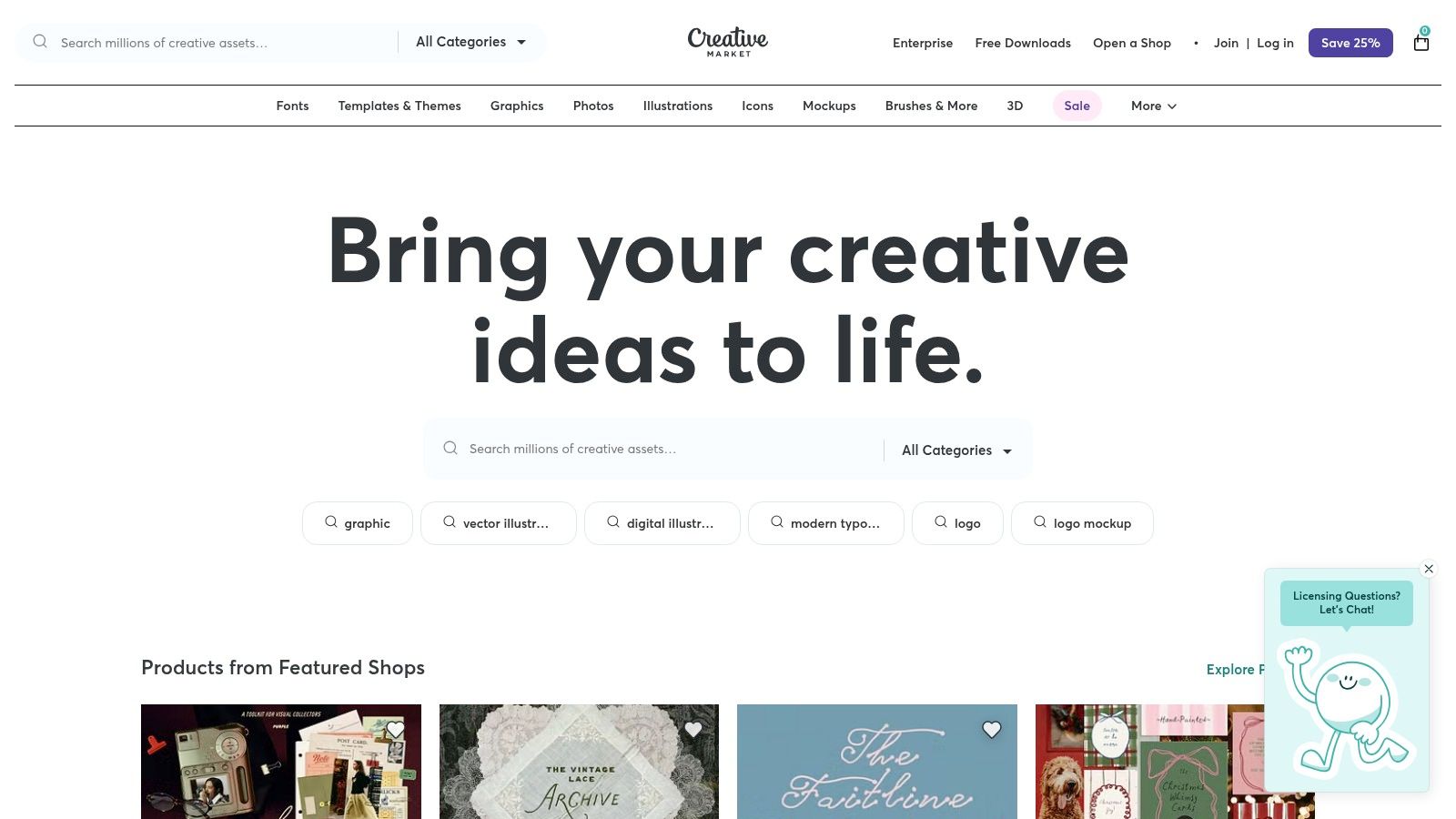
    Creative Market is a curated design marketplace where independent creators sell premium digital assets. For businesses seeking a truly polished and professional aesthetic, it offers an exceptional selection of high-quality lead magnet template packs, often designed for easy editing in Canva or Adobe InDesign. These templates move beyond basic layouts, providing cohesive, multi-page designs for ebooks, workbooks, and webinars that are ready for a high-end brand.

    Creative Market

    Unlike platforms with user-generated freebies, every item on Creative Market is reviewed for quality, ensuring you get a professional-grade product. The detailed previews allow you to see every page of a template before purchasing, and you often get direct support from the creator. This makes it a go-to resource for brands that want to save significant design time while still achieving a custom, high-end look.

    Key Features & Implementation Tips

    Creative Market excels at providing ready-made, brand-in-a-box solutions that require minimal tweaking to look fantastic.

    • Multi-Page Ebook & Workbook Templates: Find comprehensive template packs that include everything from cover pages to chapter layouts and call-to-action pages.
    • Commercial Licensing Options: Most templates come with a commercial license, allowing you to use them for business purposes, but always check the specific terms for each product.
    • Detailed Previews and Creator Support: You can view all included pages and often contact the designer directly for questions, providing an extra layer of confidence.

    Practical Tip: Use the search filters to narrow down options by application (e.g., “Canva,” “InDesign”) and format (“US Letter,” “A4”) to find the perfect lead magnet template for your needs. Pay close attention to the included file types and required fonts.

    Pricing and Access

    • Per-Item Pricing: Templates are sold individually, with prices set by the creator. Prices typically range from $15 to $70+ for comprehensive lead magnet kits.
    • No Subscription: You pay only for the specific assets you need, with no recurring fees. Licenses vary, so review the terms before purchase.

    Website: https://creativemarket.com

    4. Envato Elements

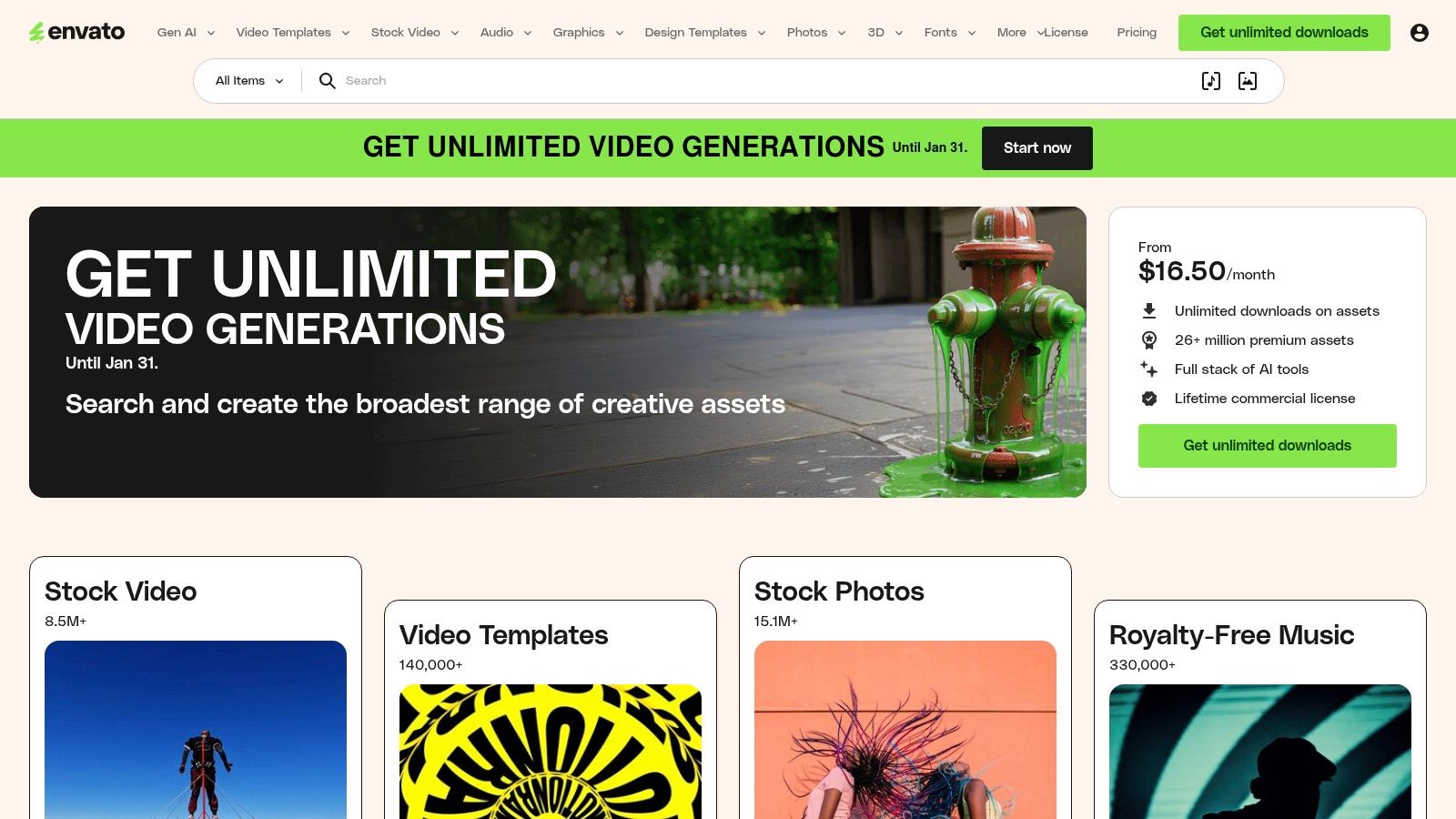
    For creators and marketers who require a continuous stream of diverse design assets, Envato Elements offers an exceptional value proposition. Instead of purchasing templates individually, you gain unlimited access to a massive library of high-quality files for a single subscription fee. This is ideal for agencies or businesses that frequently produce lead magnets like ebooks, detailed whitepapers, and multi-page guides and need a professional lead magnet template in formats like InDesign, Photoshop, or Illustrator.

    Envato Elements

    The platform’s key differentiator is its all-inclusive model, which covers everything from graphics and stock video to presentation templates and fonts. This allows for a high degree of creative freedom, as you can mix and match different assets to create a truly unique and polished final product. The commercial license included with the subscription simplifies the legal side, ensuring your creations are ready for business use.

    Key Features & Implementation Tips

    Envato Elements is best suited for those comfortable with professional design software who need a high volume of quality assets without per-item costs.

    • Unlimited Downloads: A single subscription provides limitless access to millions of creative assets, including thousands of lead magnet templates.
    • Professional File Formats: Templates are typically available in Adobe InDesign (INDD), Photoshop (PSD), and Illustrator (AI) files, offering maximum editability.
    • Comprehensive Licensing: The simple commercial license covers most business use cases, so you don’t have to worry about tracking individual licenses. For those looking for even more assets related to Envato Elements, you might find valuable resources among additional Envato Elements products.

    Practical Tip: Use keywords like “ebook template InDesign” or “brochure template” to narrow your search. Once you find a designer whose style you like, check their portfolio for other templates to create a consistent brand aesthetic across different marketing materials.

    Pricing and Access

    • Individual Plan: Starts at $16.50/month. This provides one user with unlimited downloads of the entire library.
    • Teams Plan: Priced per member, starting at $10.75/month per member for a team of 5. It offers team-specific features and easy license management.

    Website: https://elements.envato.com

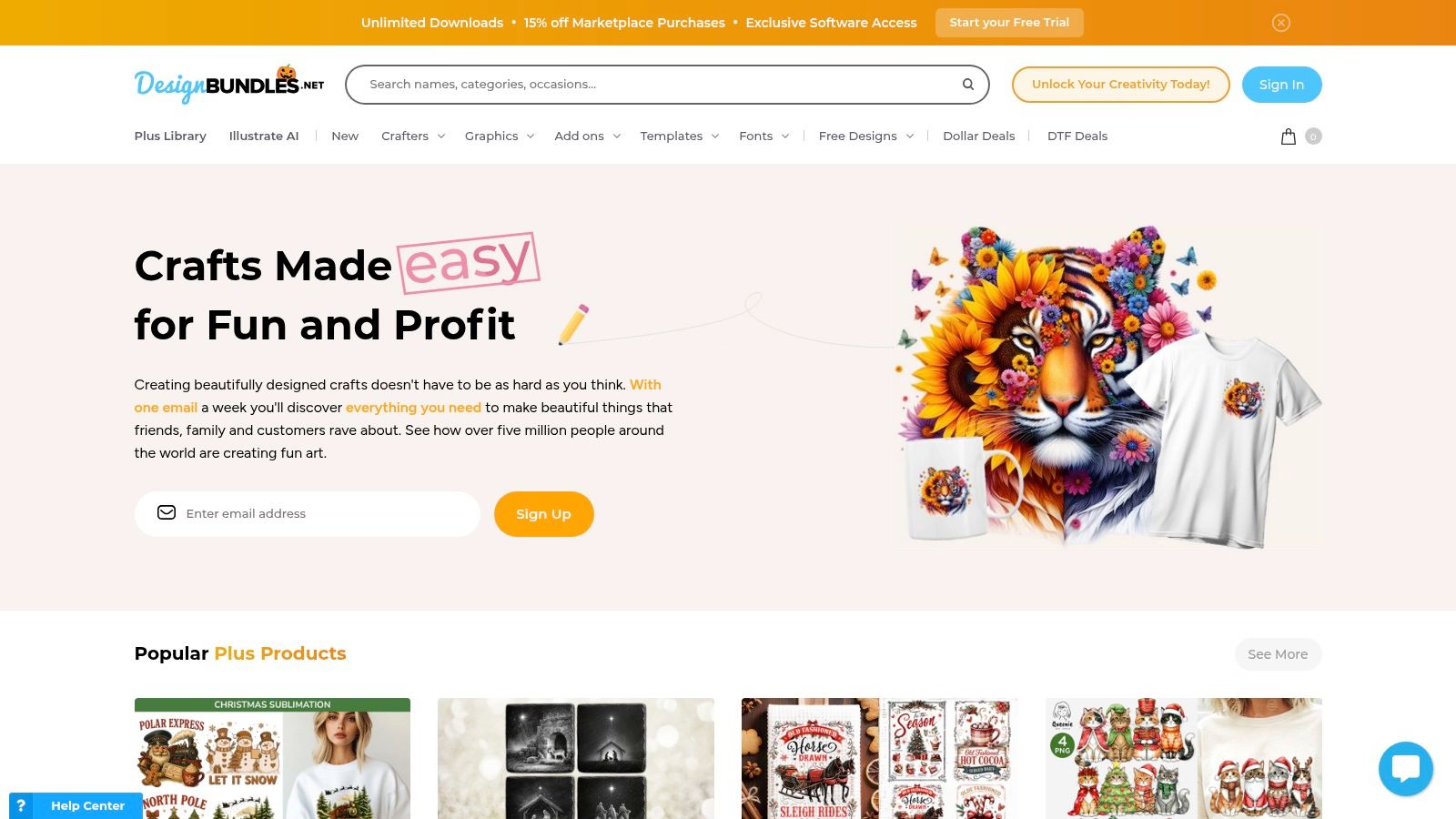
    5. Design Bundles

    Design Bundles is a design marketplace that serves as a treasure trove for marketers looking for pre-packaged, niche-specific lead magnet bundles. Unlike platforms where you build from scratch, its strength lies in offering complete, multi-page Canva and Adobe templates for ebooks, workbooks, and planners, sold by independent creators. This makes it an excellent resource for finding a fully realized lead magnet template you can purchase once and customize.

    Design Bundles

    The platform is ideal for users who want to bypass the initial design phase entirely. You can find bundles tailored to specific industries like wellness, coaching, or real estate, often including covers, chapter pages, and worksheets. Because these are sold with commercial licenses, you can adapt them for your business needs without recurring fees, offering a cost-effective alternative to subscription services.

    Key Features & Implementation Tips

    Design Bundles provides a different approach by focusing on curated, ready-to-edit packages that cater to specific business needs.

    • Niche-Specific Bundles: Search for terms like “coaching workbook Canva” or “real estate ebook” to find comprehensive packages often containing 20+ pages.
    • Commercial Licenses: Most templates are sold with a commercial use license, allowing you to use them for your business’s lead generation efforts. Always check the specific license terms.
    • One-Off Purchases: You buy what you need without a subscription. This is perfect for single campaigns or for building a library of templates over time.

    Practical Tip: Always review seller ratings and read the full item description. Descriptions typically list the exact number of pages, file formats (Canva, InDesign, etc.), and whether stock images are included. This ensures the lead magnet template you purchase meets your technical and content requirements.

    Pricing and Access

    • Per-Product Pricing: Prices vary significantly depending on the seller and the complexity of the bundle, ranging from a few dollars to $50+.
    • Plus Membership: A subscription option that provides credits for downloads and access to exclusive products, which can be cost-effective for frequent buyers.

    Website: https://designbundles.net

    6. Template.net

    Template.net is a massive resource library for those who prefer creating marketing assets within familiar office software over dedicated design platforms. Its unique value is providing lead magnet files in formats like Google Docs and Microsoft Word, alongside traditional PSD and Illustrator files. This makes it an excellent choice for teams that are more comfortable editing text and layouts in a word processor than a design canvas, allowing for the quick creation of a functional lead magnet template.

    The platform is geared toward practicality and speed for non-designers. You can find ready-to-edit layouts for ebooks, worksheets, and reports that can be customized and then exported directly to PDF for delivery. While the visual variety may not compete with design-centric sites, its strength is its accessibility for anyone who can use Google Docs, eliminating the learning curve associated with graphic design tools.

    Key Features & Implementation Tips

    Template.net serves users who prioritize content and structure over complex visual design, offering a straightforward path from template to finished PDF.

    • Multiple File Formats: Templates are available for Google Docs, Word, Apple Pages, PSD, and Illustrator, offering unparalleled flexibility for different workflows.
    • Broad Business Focus: Beyond marketing, the site includes templates for planning, reports, and other business documents, which can be repurposed as lead magnets.
    • Online Editor: For quick edits without downloading software, some templates can be customized directly on the website before being exported.

    Practical Tip: Use the Google Docs or Word version of a lead magnet template for collaborative content creation. Your writing team can finalize the copy directly in the document before a manager gives it a final review and exports it as a PDF, streamlining the entire production process.

    Pricing and Access

    • Free Templates: A selection of templates is available for free with attribution.
    • Pro Plan: Starts at $8.25/month (billed annually). This provides unlimited access to their entire library of pro templates, designs, and documents.

    Website: https://www.template.net

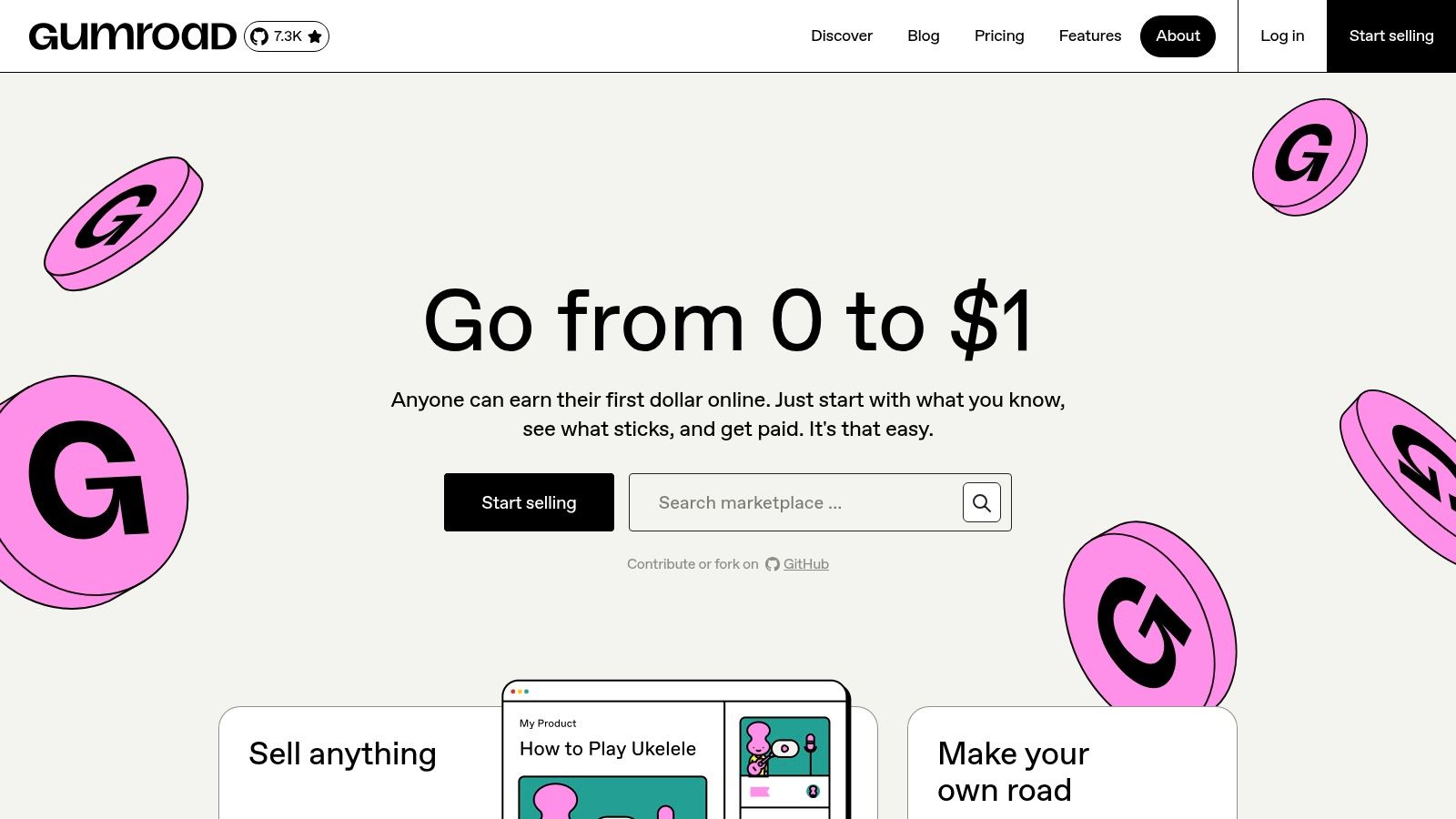
    7. Gumroad

    Gumroad is a popular marketplace for creators to sell digital products directly to consumers, making it a hidden gem for finding unique and specialized lead magnet templates. Unlike massive platforms, Gumroad hosts independent designers who often sell comprehensive template packs, which might include variations for ebooks, checklists, and social media graphics, all designed to work together cohesively. This direct-from-creator model means you can discover a lead magnet template with a distinct style you won’t find elsewhere.

    Gumroad

    The platform’s strength lies in its niche offerings and the added value provided by sellers. Many listings include not just the templates (often editable in Canva or Adobe software) but also video tutorials, usage guides, or direct support from the designer. This can be incredibly helpful for marketers who want to understand the strategic thinking behind the design and how to best adapt it for their own campaigns.

    Key Features & Implementation Tips

    Gumroad excels by offering direct access to unique, creator-driven template bundles that often cater to specific industries or aesthetics.

    • Niche-Specific Template Packs: Search for terms like “SaaS lead magnet” or “ecommerce checklist template” to uncover packs tailored to your industry.
    • Direct Creator Support: Many sellers offer support or include detailed instructions, providing more value than a simple template download.
    • Instant Delivery: Once purchased, digital files are delivered immediately to your inbox, allowing you to start customizing right away.

    Practical Tip: Before purchasing, carefully read the product description to check for software compatibility (e.g., Canva, Figma, Adobe InDesign) and licensing terms. Look at seller ratings and reviews to gauge the quality and support you can expect.

    Pricing and Access

    • Varies by Seller: Prices are set by individual creators. Templates can range from a few dollars for a simple checklist to $50+ for a comprehensive bundle with multiple assets and video tutorials. There is no subscription fee to browse or buy.

    Website: https://gumroad.com

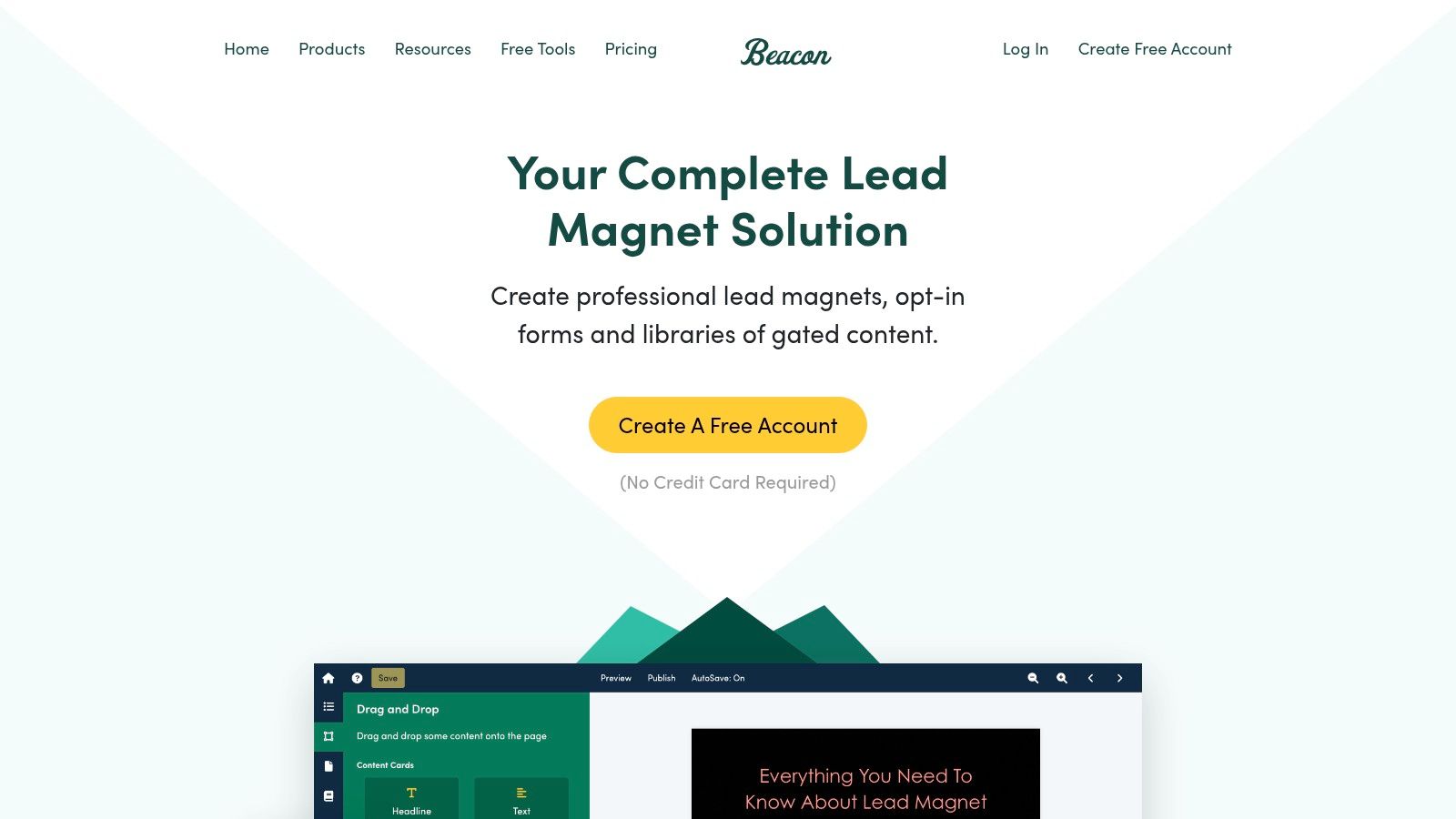
    8. Beacon

    Beacon is a specialized platform built from the ground up to create, publish, and manage lead magnets. Unlike general design tools, its entire workflow is optimized for lead generation, offering a suite of templates for ebooks, checklists, and resource guides that are designed to convert. This focus makes it an excellent choice for marketers who want an all-in-one solution for their lead magnet template needs.

    Beacon

    The platform’s standout feature is its ability to automatically convert existing blog posts into professionally designed lead magnets, saving countless hours of content repurposing. The user interface is clean, with a simple drag-and-drop editor that makes customization straightforward, even for those with no design experience. It also includes tools for creating opt-in forms and dedicated resource library pages to host your downloadable content.

    Key Features & Implementation Tips

    Beacon streamlines the entire process from content creation to lead capture, making it a powerful tool for content marketers.

    • Blog Post Recycling: Instantly turn any URL into a formatted ebook or checklist, preserving images and text structure.
    • Smart PDFs: Create lead magnets that include embedded call-to-action buttons and opt-in forms directly within the PDF.
    • Template Library: Access a collection of professionally designed templates for various formats, all fully customizable.

    Practical Tip: Use Beacon’s blog post recycling feature to identify your top-performing articles and quickly turn them into content upgrades. This is a highly effective way to offer relevant value based on a user’s interests. For deeper insights on matching your lead magnets to specific user groups, learn more about target audience segmentation.

    Pricing and Access

    • Free Forever: Create one lead magnet with Beacon branding.
    • Professional: Starts at $49/month. Includes unlimited lead magnets, custom domains, and no Beacon branding.

    Website: https://beacon.by

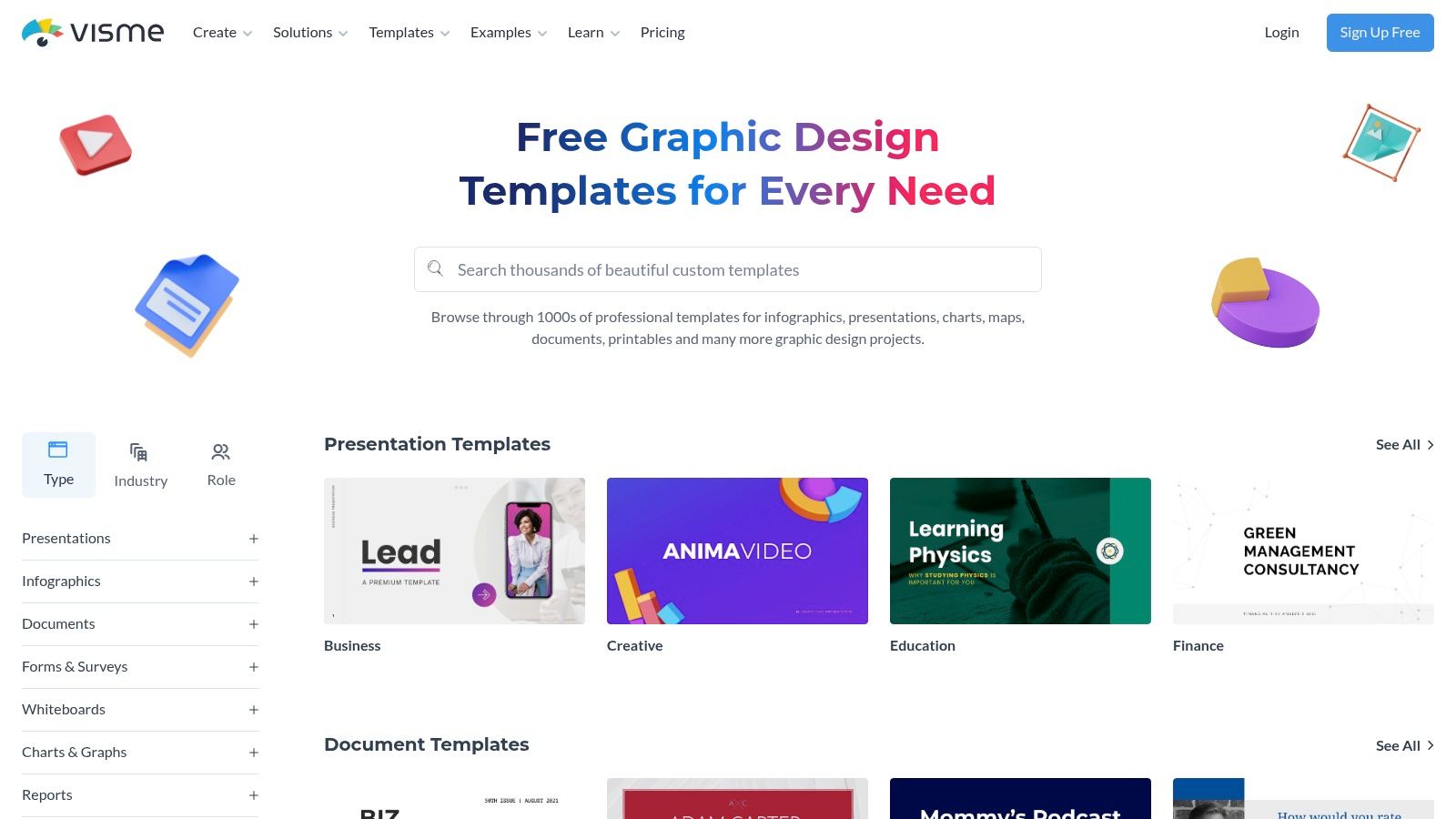
    9. Visme

    Visme is a powerful visual content platform that excels at creating interactive and animated lead magnets. While it offers standard formats like ebooks and checklists, its unique strength is in producing engaging, web-viewable content that goes beyond a static PDF. This makes it an excellent choice for brands wanting a more dynamic lead magnet template that captures attention.

    Visme

    The platform is designed for creating presentations, infographics, and reports, but these capabilities translate perfectly to lead magnets. You can embed videos, add animations, or create interactive flipbooks that provide a richer user experience directly in the browser. This approach is particularly effective for SaaS companies demonstrating features or e-commerce brands showcasing product lookbooks. The focus on interactive elements can significantly improve the perceived value and overall user experience of your lead magnet.

    Key Features & Implementation Tips

    Visme stands out by enabling marketers to build lead magnets that feel more like micro-websites than simple documents.

    • Interactive Outputs: Export your creations as HTML5 to embed them directly on a landing page or share them via a link. This allows for animations, clickable pop-ups, and embedded media.
    • Data Visualization Tools: Easily add professional charts, graphs, and maps to your lead magnets to present data in a compelling way.
    • Variety of Formats: Beyond PDFs, you can export your designs as high-resolution images (JPG/PNG) or even as animated GIFs and videos.

    Practical Tip: Use the “Flipbook” effect on your multi-page ebook template. This creates a realistic page-turning animation that is far more engaging than scrolling through a standard PDF, making your content feel more premium.

    Pricing and Access

    • Basic: The free plan offers limited templates, storage, and includes Visme branding on all projects.
    • Starter: Starts at $29/month (billed monthly) and removes branding, adds more templates, and unlocks PDF/JPG/PNG downloads.
    • Pro: Starts at $59/month (billed monthly) and includes full download options (including HTML5), brand kit features, and advanced analytics.

    Website: https://www.visme.co/templates

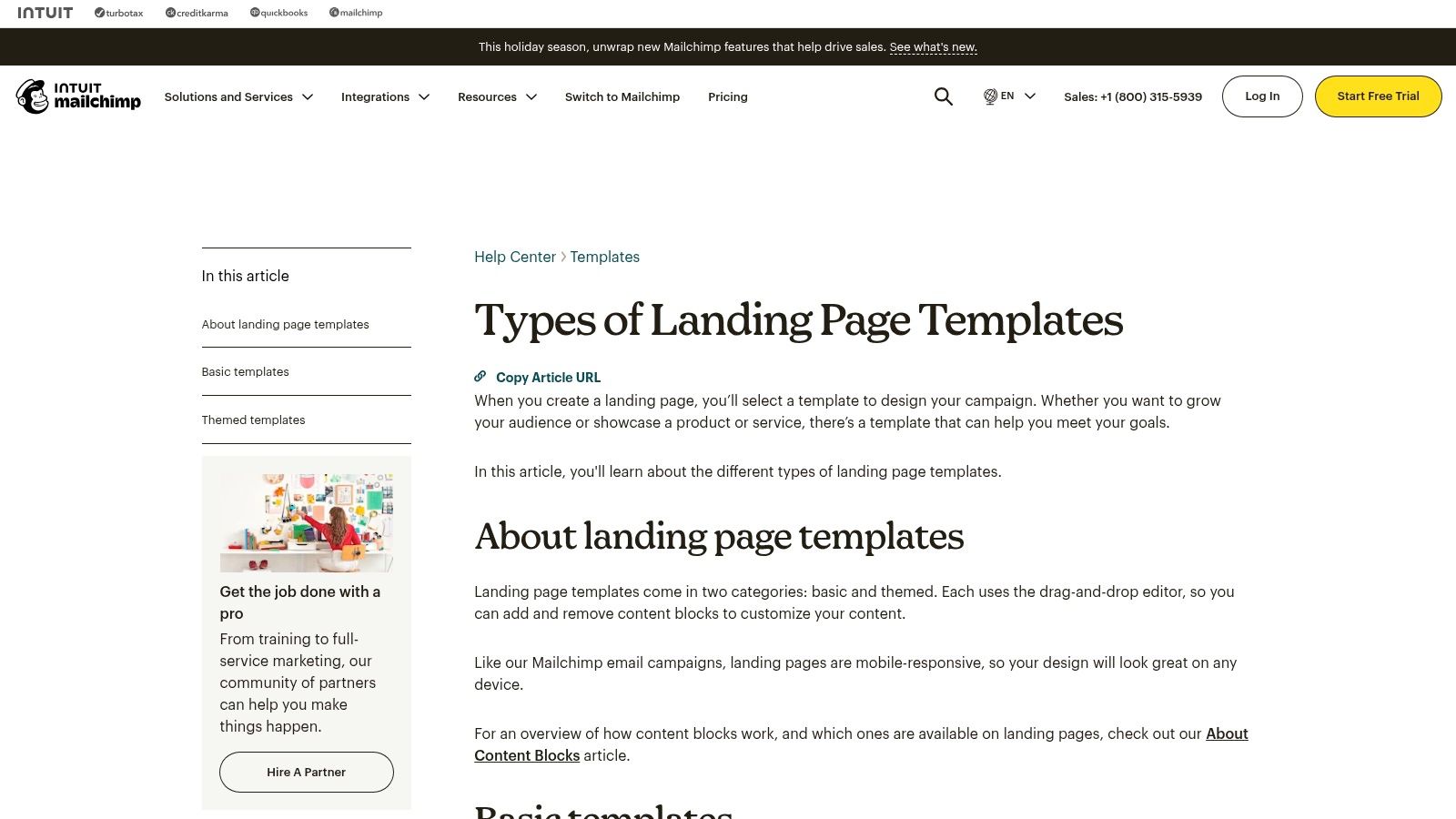
    10. Mailchimp (Landing Page Templates)

    While known primarily for email marketing, Mailchimp offers a powerful, integrated solution for deploying lead magnets through its free landing page builder. This is perfect for marketers who want a seamless system where a user signs up on a dedicated page and is immediately added to an email workflow to receive their requested resource. Instead of just a design tool, Mailchimp provides the complete capture-and-deliver mechanism.

    Mailchimp (Landing Page Templates)

    The platform’s strength is its direct integration with email automation. You can use a pre-built lead magnet template for your landing page, connect it to a specific audience, and automatically tag new subscribers based on which resource they downloaded. This functionality is crucial for segmenting your audience and sending targeted follow-up campaigns, turning a simple download into a long-term customer journey. The drag-and-drop editor is straightforward, making it quick to publish mobile-responsive opt-in pages.

    Key Features & Implementation Tips

    Mailchimp is ideal for those who need an all-in-one system for lead capture and nurturing without relying on third-party integrations.

    • Integrated Automation: Automatically trigger an email with your lead magnet attached the moment someone subscribes via your landing page.
    • Audience Tagging: Use tags to segment users who download specific lead magnets, allowing for highly relevant future marketing messages.
    • Simple Analytics: Track views and new contacts directly within your Mailchimp dashboard to measure the page’s effectiveness.

    Practical Tip: Create a dedicated “Welcome” automation for each lead magnet landing page. This allows you to deliver the promised PDF or link in the first email and then follow up with a series of related content to nurture the new lead. This is a proven strategy to boost conversions over time.

    Pricing and Access

    • Free Plan: Includes up to 500 contacts and allows you to publish landing pages, though Mailchimp branding will be present.
    • Paid Plans: Start at $13/month (Essentials) and remove branding, offer more advanced automation features, and provide larger contact and send limits.

    Website: https://mailchimp.com/help/types-landing-page-templates/

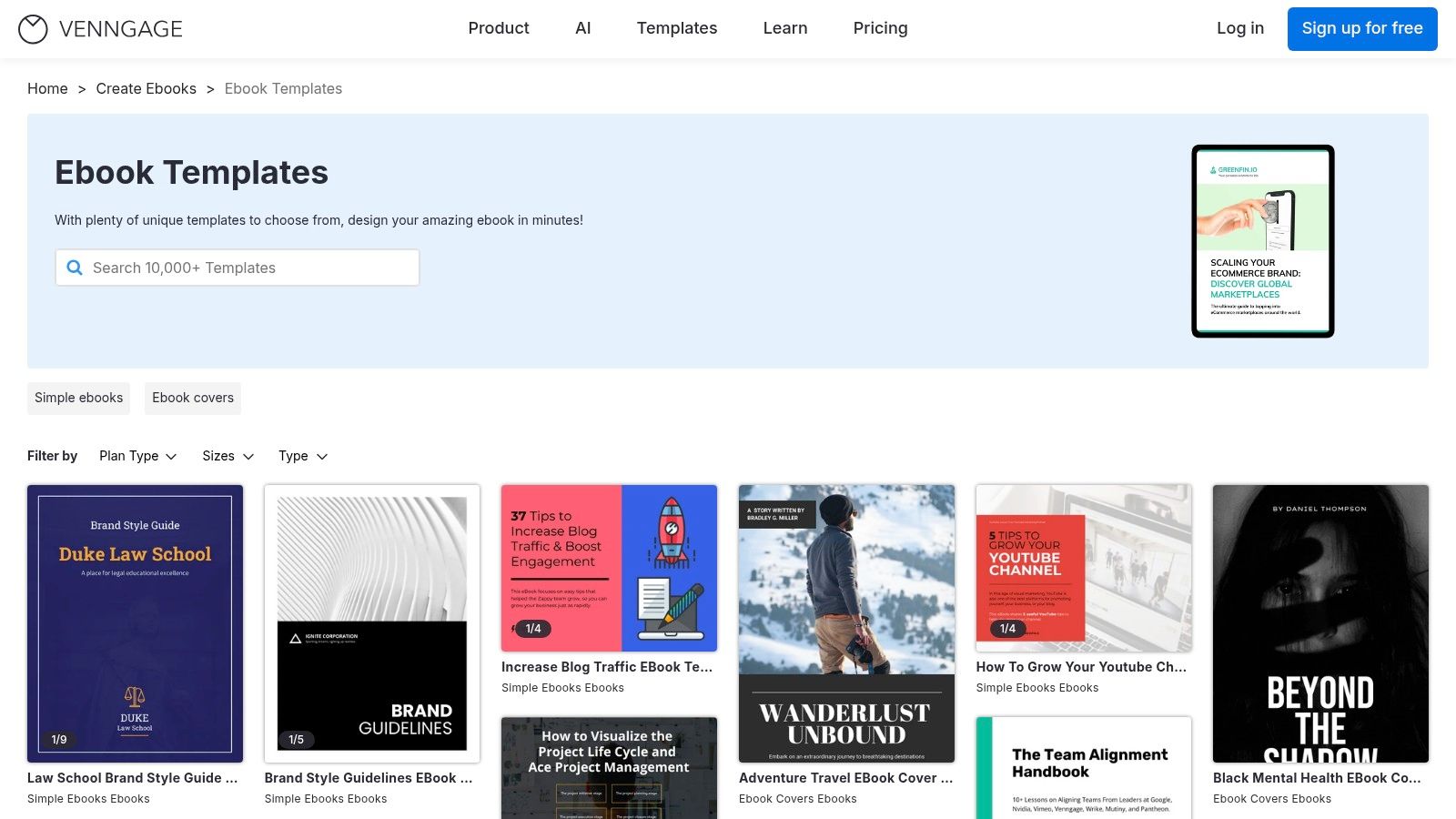
    11. Venngage

    Venngage is a powerful online design tool that specializes in data visualization and marketing-focused documents, making it a strong choice for creating professional ebooks and white papers. Its platform is particularly suited for non-designers who need to incorporate charts, graphs, and data into their content. Venngage provides a focused selection of templates designed specifically for lead generation, ensuring your final product is both informative and effective at capturing leads.

    Venngage

    The editor is intuitive and built around the needs of business communicators. Unlike more general design tools, Venngage’s templates are often structured around specific business use cases like marketing reports, project plans, and comprehensive guides. This focus makes it simpler to find a lead magnet template that aligns with B2B or data-driven content strategies, without getting lost in overly artistic options.

    Key Features & Implementation Tips

    Venngage excels at turning complex information into visually engaging and easy-to-digest lead magnets.

    • Marketing-Focused Templates: The library is curated for business needs, offering layouts for ebooks, white papers, and reports in standard US Letter/A4 sizes.
    • Built-in Charts & Graphs: Easily add and customize various charts by inputting your data directly, a standout feature for creating data-rich content.
    • AI-Assisted Editing: Use AI tools to help generate or refine text directly within your design, streamlining the content creation process.

    Practical Tip: Leverage the built-in chart tools to create a unique data-driven lead magnet. Compile industry statistics or proprietary data into a “State of the Industry” report or a data-backed white paper to offer exclusive value that competitors can’t easily replicate.

    Pricing and Access

    • Free Plan: Offers limited access to templates and features, with Venngage branding on exports.
    • Premium Plan: Starts at $19/month per user. Unlocks premium templates, high-quality exports (PNG HD, PDF), and more design elements.
    • Business Plan: Starts at $49/month per user. Adds brand kit functionality, team collaboration features, and multi-page PDF exporting.

    Website: https://venngage.com/templates/ebooks

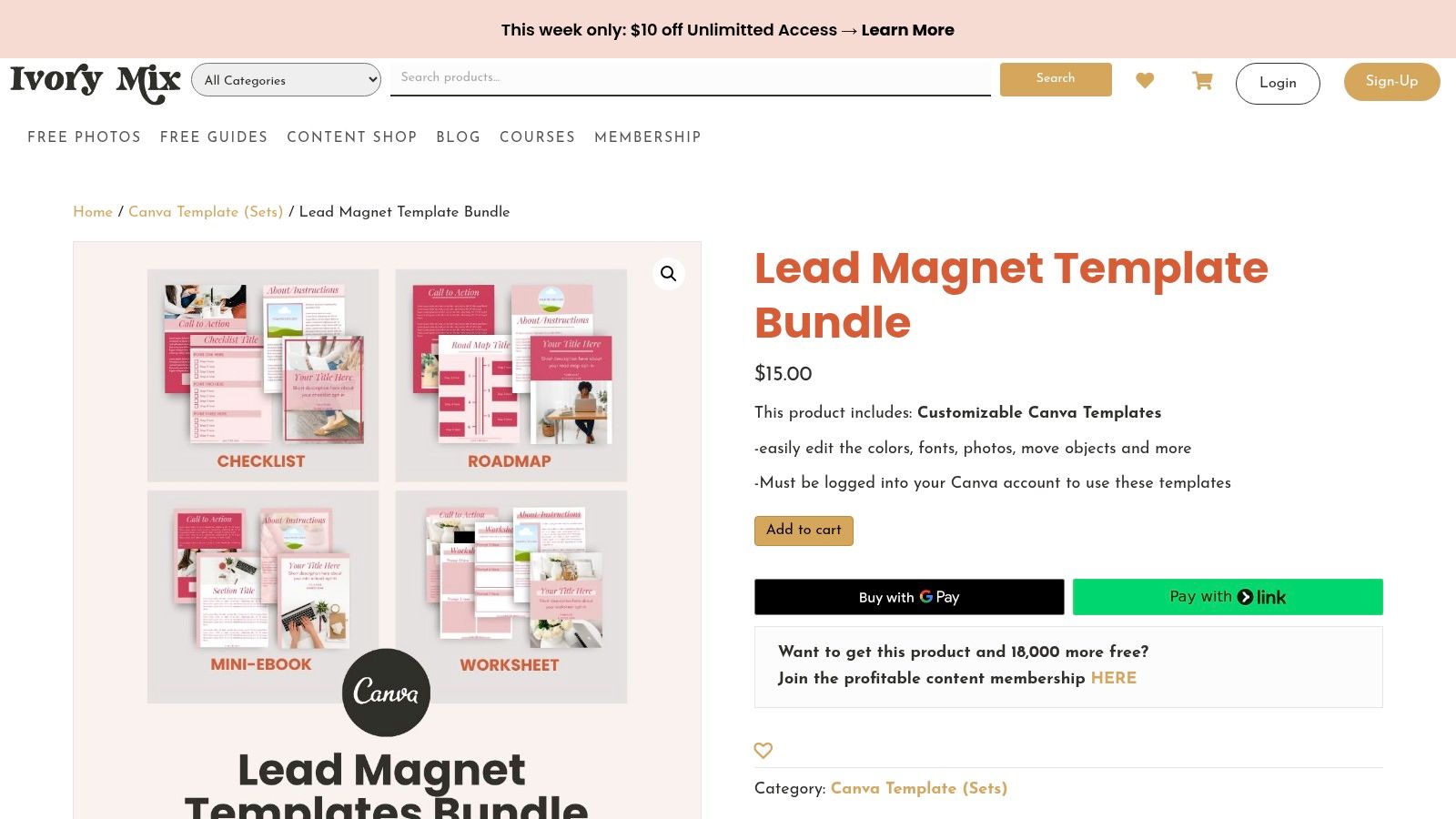
    12. Ivory Mix

    Ivory Mix is a specialized template shop and membership site designed for small business owners and content creators who rely heavily on Canva. It provides cohesive, ready-to-use lead magnet template bundles that include not just the core asset like an ebook or worksheet, but also promotional graphics. This bundled approach makes it a strong choice for marketers looking for an all-in-one solution to launch a new opt-in offer quickly.

    Ivory Mix

    The platform’s strength lies in its focus on practical, marketer-friendly layouts. Each template is built in Canva and comes with clear instructions, making the customization process straightforward even for beginners. While the catalog is smaller than massive marketplaces, the quality and thoughtful design of each lead magnet template ensure you can produce a professional-looking resource without needing design expertise.

    Key Features & Implementation Tips

    Ivory Mix excels by providing complete, aesthetically pleasing packages tailored for non-designers who need to move fast.

    • Cohesive Bundles: Templates often include multi-page ebooks, workbooks, checklists, and corresponding social media graphics to promote them.
    • Canva-Centric: All templates are fully editable in Canva, leveraging its user-friendly drag-and-drop interface for easy customization.
    • Mix-and-Match Pages: The templates are designed with versatile page layouts (sized for US Letter), allowing you to easily add, remove, or reorder pages to create a custom document.

    Practical Tip: When using an Ivory Mix bundle, start by customizing the “master” pages like the cover, introduction, and call-to-action page. Once these core elements reflect your brand, you can quickly assemble various lead magnets by duplicating and arranging the pre-designed content pages.

    Pricing and Access

    • Individual Templates: Bundles can be purchased a la carte, typically ranging from $27 to $67.
    • Ivory Mix Membership: Provides access to the entire library of templates, photos, and training resources for a recurring fee, offering better value for prolific content creators.

    Website: https://ivorymix.com/product/lead-magnet-template-bundle/

    Top 12 Lead Magnet Template Providers — Comparison

    Tool Core features UX / Quality Price & Value Target audience Unique selling point
    Canva Massive editable template library, drag‑and‑drop, export PDF/web ★★★★★ 🏆 💰 Free → Pro (brand kit, assets) 👥 Non‑designers & marketers ✨ Huge template ecosystem, Brand Kit
    Etsy Marketplace of instant digital template downloads, niche styles ★★★★☆ 💰 Low‑cost one‑offs 👥 Small businesses & niche buyers ✨ Unique, seller‑driven styles
    Creative Market Curated premium templates, commercial licensing, previews ★★★★★ 🏆 💰 Pay‑per‑item (higher avg price) 👥 Brands & designers ✨ Professional, brand‑ready packs
    Envato Elements Unlimited downloads subscription, multi‑format assets ★★★★☆ 💰 Subscription — great value for volume 👥 Agencies & frequent creators ✨ Unlimited downloads + commercial license
    Design Bundles Niche Canva packs and design bundles, frequent promos ★★★★☆ 💰 Affordable one‑offs, frequent deals 👥 Small businesses & marketers ✨ Clear pack contents, bargains
    Template.net Templates in Docs/Word/PSD/AI, online editing option ★★★☆☆ 💰 Some free + paid plans 👥 Office users & non‑designers ✨ Office‑format templates (Docs/Word)
    Gumroad Direct‑from‑creator template packs, instant delivery & updates ★★★★☆ 💰 Pay‑per‑item, often affordable 👥 Niche creators & buyers ✨ Direct seller support, unique packs
    Beacon Lead‑magnet builder, blog→lead conversion, opt‑in forms ★★★★★ 🏆 💰 Free tier → paid for advanced features 👥 Marketers & bloggers ✨ Purpose‑built lead‑gen workflows
    Visme Editable templates + interactive/animated outputs, flipbooks ★★★★☆ 💰 Freemium; paid for exports/advanced 👥 Visual marketers, web‑view lead magnets ✨ Interactive/HTML5 & animated outputs
    Mailchimp (Landing Pages) Lead‑gen landing pages, signup forms, automations ★★★★☆ 💰 Free start; paid for advanced automations 👥 Email marketers & small businesses ✨ Integrated delivery + automations
    Venngage Ebook/checklist templates, AI editing, charts & embeds ★★★★☆ 💰 Freemium → premium plans 👥 Marketers & data‑driven creators ✨ AI‑assist + built‑in charts
    Ivory Mix Canva‑ready lead magnet bundles, marketer tutorials ★★★★☆ 💰 Affordable bundles, membership option 👥 Small‑business marketers ✨ Marketer‑focused Canva packs & guides

    How to Deploy and Promote Your New Lead Magnet for Maximum Impact

    You’ve explored the landscape of high-converting lead magnet templates, from the design-forward options on Canva and Visme to the niche-specific treasures on Etsy and Ivory Mix. We’ve dissected everything from PDF checklists and swipe files to quiz templates and one-pagers, equipping you with the foundational assets to build a powerful lead generation engine. But possessing a professionally designed lead magnet template is only the first step. The real art lies in its strategic deployment and promotion, which ultimately determines whether it becomes a growth catalyst or simply a well-designed file sitting on your hard drive.

    The core takeaway is that value and visibility are a powerful combination. A lead magnet succeeds when it solves a specific, urgent problem for your target audience, and it thrives when it’s placed in their direct line of sight at the precise moment of need. Your choice of template and platform, as discussed, sets the stage for perceived value. Your deployment strategy brings that value to life.

    Key Takeaways and Actionable Next Steps

    To transform your newfound resources into tangible results, focus on these critical actions. This is where you move from planning to execution, ensuring your lead magnet template fulfills its ultimate purpose: converting visitors into leads.

    • Audit Your Audience’s Pain Points: Before customizing any template, revisit your ideal customer profile. What is their single most pressing challenge that your lead magnet can solve quickly? The best lead magnets offer an immediate win, not a comprehensive encyclopedia. A DTC brand might find a “10-Point Product Photography Checklist” far more effective than a generic “Guide to E-commerce.”
    • Match the Template to the Funnel Stage: A top-of-funnel visitor browsing blog posts will respond better to a low-commitment checklist or swipe file. A visitor on your pricing page, however, might be more inclined to download a detailed case study or ROI calculator. Align the lead magnet’s depth and format with the user’s intent at each stage of their journey.
    • Prioritize Strategic Placement: Don’t just bury your lead magnet on a dedicated landing page. Think contextually.
      • Blog Posts: Embed relevant CTAs within the content and use an exit-intent popup offering a related resource.
      • Homepage: A non-intrusive notification bar or a “hello bar” can capture attention without disrupting the user experience.
      • Product/Service Pages: Use slide-in CTAs that offer a buying guide or comparison sheet.
    • Craft Irresistible CTAs: Your call to action is the gateway to your lead magnet. Instead of a generic “Download Now,” use benefit-driven language. For example, change “Download Your Ebook” to “Get Your Free 5-Minute Website SEO Audit Checklist.” Highlight the speed and the specific outcome.

    Choosing Your Path Forward

    Selecting the right tool or platform from our list depends entirely on your team’s resources and goals.

    • For maximum creative control and brand alignment, platforms like Canva and Visme are unparalleled. They are ideal for in-house marketing teams that want to produce a high volume of unique, visually consistent assets.
    • For speed and variety, marketplaces such as Etsy, Creative Market, and Envato Elements provide a wealth of professionally designed, ready-to-go templates. These are perfect for startups, solo entrepreneurs, and agencies needing to launch campaigns quickly for multiple clients.
    • For an all-in-one solution that combines creation, hosting, and delivery, specialized tools like Beacon are a game-changer. This is the best route for teams who want to streamline their entire lead magnet workflow and minimize technical hurdles.

    Ultimately, the most effective strategy is to start small, deploy your chosen lead magnet template in one or two high-traffic locations, and meticulously track its performance. Measure your conversion rates, analyze the quality of leads generated, and don’t be afraid to iterate. The insights you gain from your first launch will be invaluable for optimizing future lead generation campaigns. Your journey from a simple template to a robust lead-generating machine begins now.


    Now that you have the perfect lead magnet, it’s time to put it in front of every visitor. LoudBar lets you deploy stunning, non-intrusive notification bars in seconds to promote your new checklist, guide, or quiz. Drive more downloads and capture more leads directly from your highest-traffic pages by visiting LoudBar.

  • Build a High-Converting Website Squeeze Page

    Build a High-Converting Website Squeeze Page

    Think of a website squeeze page as a landing page that’s been stripped down to its absolute essential purpose: to capture a visitor’s email address. It’s not a jack-of-all-trades page; it’s a specialist. The whole idea is to offer something so valuable in return—a free guide, a checklist, a discount—that visitors are more than happy to trade their email for it.

    Why a Squeeze Page Is Your Secret Weapon

    A person's hands holding a tablet displaying a lead capture form, symbolizing a website squeeze page.

    Let’s use an analogy. Your homepage is like a busy department store. There are dozens of aisles, countless products, and signs everywhere pulling for attention. Visitors can easily wander, get distracted, and walk out without a second thought.

    A squeeze page, in contrast, is like a pop-up shop with one amazing item in the window and a single door. Its job isn’t to show off everything you do; it’s to start one specific, valuable conversation.

    This intense focus is precisely what makes it so effective. By stripping away navigation menus, sidebars, and other competing calls-to-action, you create a clear, unobstructed path to one single action: signing up. This direct approach is a powerhouse for generating leads.

    The Power of a Singular Goal

    The core mission of a squeeze page is capturing a visitor’s contact information, which is why it’s a cornerstone of any good strategies for building an email list. You stop hoping visitors will stumble upon your newsletter signup form in the footer and instead present them with a clear, compelling value exchange right upfront.

    A squeeze page trades a valuable asset (like an ebook or a webinar seat) for the visitor’s email address. It’s a direct, transparent transaction that forms the foundation of a strong lead-nurturing relationship.

    This whole strategy is built on one simple truth: your email list is one of the most powerful assets your business can own. It’s a direct line to people who have already shown interest, allowing you to build trust and guide them toward a sale when the time is right.

    While a general landing page might have different goals, their average conversion rate hovers around 6.6%. A well-executed squeeze page, however, often blows past that number simply because it’s so hyper-focused.

    Squeeze Page vs Homepage vs Landing Page At a Glance

    To really get it, let’s quickly compare these three common page types. They all have different jobs to do.

    Page Type Primary Goal Number of Links Main Focus
    Squeeze Page Capture an email address One (the sign-up button) Lead Generation
    Landing Page Drive a specific action (sale, demo, etc.) One or a few, all for the same goal Conversion
    Homepage Introduce the brand & guide visitors Many Navigation & Exploration

    See the difference? The squeeze page is the most specialized of the three, designed with ruthless efficiency to do one thing and one thing only.

    The Anatomy of a Squeeze Page That Actually Converts

    A great squeeze page isn’t just a random assortment of text and buttons. It’s a finely tuned machine, with every single piece working toward one goal: getting that sign-up. When all the parts click into place, the experience for the visitor is seamless. It feels less like a hard sell and more like a generous offer they can’t refuse.

    Think of it as a puzzle. Each component has to fit perfectly to create the full, persuasive picture.

    An illustrated breakdown of a website squeeze page's core components: headline, copy, lead magnet, opt-in form, and CTA.

    Let’s break down the non-negotiable building blocks you’ll need to turn visitors into valuable leads.

    1. A Magnetic Headline

    You’ve got about three seconds. That’s it. Your headline is the first thing people see, and in that tiny window, it has to grab their attention and answer their unspoken question: “What’s in it for me?”

    A powerful headline is never vague. It’s crystal clear, focused on a benefit, and speaks directly to a problem your visitor is desperate to solve. For instance, “Sign Up for Our Newsletter” is weak. It does nothing.

    But “Unlock the 5 Secrets to Doubling Your Website Traffic in 30 Days“—now that gets a click. It promises a specific, highly desirable result, making it infinitely more compelling.

    2. An Irresistible Lead Magnet

    This is the core of the deal. The lead magnet is the valuable thing you’re offering in exchange for their contact info. This isn’t just a gimmick; it’s your first chance to prove your worth and show them a sample of the value you bring to the table. A truly effective lead magnet solves a real, nagging problem for your ideal customer.

    Some of the best-performing lead magnets are:

    • Checklists or Cheatsheets: Simple, actionable guides that make a complicated process feel easy.
    • Ebooks or Guides: Deeper dives that position you as an expert and offer comprehensive answers.
    • Webinar Access: An exclusive chance to learn from you or another expert live, which creates urgency.
    • Discount Codes: A straight-up monetary incentive that works like a charm for e-commerce brands.

    The trick is to offer something so genuinely useful that your visitors feel like they’re getting the better end of the bargain.

    3. Benefit-Driven Copy

    Keep your copy short, sweet, and powerful. This is not the place for your company’s life story. You need to relentlessly focus on the benefits for the user. What transformation will they experience after they get your lead magnet?

    Use short paragraphs and bullet points to make the value pop off the page. People scan, they don’t read.

    Your goal is to get visitors to enter their contact info, not show off your entire résumé. The text and visual elements on your squeeze page should serve the single purpose of convincing visitors to fill out your form.

    Talk like your audience talks. It builds an instant connection and shows them you truly get their struggles.

    4. A Simple and Obvious Opt-In Form

    Don’t make people jump through hoops. Your form should be dead simple and create as little friction as possible. In most cases, all you need is an email address. Seriously. Every extra field you add is another reason for someone to give up and leave.

    And please, make the form easy to find. Place it front and center so they can’t possibly miss it.

    5. A Strong Call to Action (CTA)

    Finally, the CTA button. This is your closer. It needs to tell the visitor exactly what to do next using clear, action-oriented language. “Submit” is boring and uninspired.

    Instead, try something that reinforces the value they’re about to receive, like “Get My Free Guide Now!” or “Send Me the Discount!” Make that button stand out with a bold, contrasting color that draws the eye and begs to be clicked.

    Design and Copywriting for Maximum Impact

    Just throwing the right elements onto a page isn’t enough. The real secret to a high-converting website squeeze page is the seamless dance between design and copy. It’s about creating an experience so persuasive and intuitive that saying “yes” feels like the most natural thing in the world.

    Think of it as a focused conversation. Your design sets the stage, making the visitor feel at ease and directing their attention. Your copy is the voice in that conversation, building rapport and making a compelling case. When they work together perfectly, conversions just happen.

    A split-screen image showing a well-designed website squeeze page on one side and compelling copywriting on the other, symbolizing their harmony.

    Guiding the Eye with Smart Design

    A great squeeze page design is so effective it’s almost invisible. It doesn’t shout for attention; it subtly steers a visitor’s gaze right where you want it to go—the form and the call-to-action button. This isn’t luck; it’s smart, strategic thinking.

    Here’s how you can make your design work for you:

    • Embrace Whitespace: Don’t be afraid of empty space. Crowding your page with text and images just creates noise. Generous whitespace makes your page feel clean and professional, allowing your headline and CTA to truly stand out. It gives your message room to breathe.
    • Create a Clear Visual Hierarchy: Use size, color, and placement to tell visitors what’s most important. Your headline should be the biggest, boldest thing on the page. Your CTA button needs a contrasting color that practically begs to be clicked.
    • Kill All Distractions: This is the cardinal rule. A true squeeze page has zero navigation links, no footer, and no social media buttons. Every single link that isn’t your submit button is a potential leak, draining away your hard-earned traffic.

    Writing Copy That Connects and Converts

    Your copy isn’t just there to describe your lead magnet. It’s there to sell a solution—a transformation. You need to speak directly to your visitor’s biggest headaches and deepest desires, using words they would use themselves. The goal is an instant “Aha!” moment where they think, “Finally, someone gets it.”

    A squeeze page trades a valuable asset for a visitor’s email address. Your design and copy must work in perfect harmony to make that trade feel like an incredible deal for the user, removing any hesitation.

    When it comes to copy, less is almost always more. Research actually shows that shorter landing pages can outperform longer ones by 13.5%. Every word has a job to do, so be ruthless in your editing. If you’re curious about the data, you can dig into the full research on landing page statistics.

    Using Psychological Triggers

    To really crank up your conversion rate, you can tap into some powerful, time-tested psychological principles. These aren’t sneaky tricks; they’re just ways of framing your offer that align with how people naturally make decisions.

    • Urgency: Phrases like “Offer ends Friday!” or “Limited spots available” create a sense of FOMO (fear of missing out). It nudges people to act now instead of putting it off for later.
    • Scarcity: “Only 50 free guides left” makes your offer feel more exclusive and valuable. When something is in short supply, we instinctively want it more.
    • Social Proof: Nothing builds trust faster than seeing that other people are already on board. Adding a couple of short testimonials or logos from recognizable clients can dramatically reduce a visitor’s hesitation.

    By blending these design and copywriting tactics, you’re not just building a webpage; you’re building a finely-tuned conversion machine. Of course, there are always more advanced techniques to explore, and you can learn more by checking out our other guides on website engagement.

    Let’s See Some Squeeze Pages in the Wild

    Reading about the theory is one thing, but seeing it in action is where the lightbulbs really go off. To get a feel for what a great website squeeze page looks like, we need to look at real-world examples that are actively turning browsers into leads.

    By breaking down what successful brands are doing, you can borrow ideas and get inspired for your own pages. Let’s look at a few common scenarios.

    The SaaS Sign-Up

    Software-as-a-Service (SaaS) companies live and die by the squeeze page. It’s often the front door for their free trials and product demos. Their whole game is about being crystal clear, showing off who trusts them, and getting the value proposition across in seconds. They know their audience is short on time and needs to see the “what’s in it for me” right away.

    • The Offer: Usually a free trial or a live demo.
    • The Headline: Always focused on the benefit, like “Start Building Better Reports in Minutes.”
    • Key Elements: You’ll almost always see very few form fields (sometimes just an email), logos from well-known customers to build instant trust, and one big, can’t-miss call-to-action button.

    This collection of landing pages shows just how focused these designs are.

    Notice how different they all look, yet they share that same laser focus. Everything on the page points you toward one single action, with zero clutter to get in the way.

    The E-commerce Discount Capture

    For an online store, a squeeze page is often the very first “hello.” The goal is straightforward: get an email address to grow their marketing list and, ideally, trigger a sale right then and there with a tempting offer. You’ll see these most often as pop-ups or full-screen entry pages.

    A squeeze page in e-commerce is a direct value exchange. The brand gets a valuable lead for future marketing, and the customer gets an instant discount. It’s a win-win that builds the foundation for a long-term relationship.

    This is such a powerful move because it catches people when their interest is at its peak—while they’re actively looking at products. The most common plays you’ll see are:

    1. Welcome Discount: Offering 10-15% off the first order is a time-tested classic. It gives people a little nudge to buy now and makes that first purchase feel like a no-brainer.
    2. Exclusive Access: “Be the first to know about new arrivals and sales.” This works because it makes shoppers feel like insiders and keeps them connected to the brand.
    3. Free Shipping Offer: Don’t underestimate the power of free shipping. For many shoppers, seeing that you’ll cover the shipping cost is an even bigger motivator than a percentage discount.

    The Content Upgrade

    Bloggers, coaches, and anyone in the business of information rely on squeeze pages to offer “content upgrades.” This is all about giving away a juicy piece of exclusive content—think an ebook, a handy checklist, or a spot in a webinar—in return for an email.

    This strategy does more than just build a list; it positions the brand as an expert. The copy on these pages isn’t just about the download itself, but about the transformation it provides. For instance, a page offering a free guide on financial planning won’t just say “Download our guide.” It’ll say something like, “Take Control of Your Financial Future Today.” That kind of aspirational language makes the offer feel incredibly valuable.

    Choosing Your Tools to Build a Squeeze Page

    Alright, you know what a squeeze page needs to do. Now comes the fun part: actually building it. The great news is you don’t need to be a coding guru to make this happen. There are plenty of tools out there that let you launch a professional-looking page fast, no matter your budget or tech skills.

    The right tool for you really boils down to what you’re already using for your website, how much control you want over the design, and where you’ll be sending all those new email subscribers. Let’s walk through the best options.

    Dedicated Landing Page Builders

    If you want the most straightforward, powerful path, dedicated landing page builders are your best bet. These platforms are purpose-built for one thing: creating pages that convert. They’re packed with features to make it as simple as possible.

    • Leadpages & Unbounce: These are the big names in the space. Think drag-and-drop simplicity, huge libraries of templates that are already proven to work, and built-in A/B testing. They connect with just about any email marketing service you can imagine.
    • Instapage: This one is a powerhouse, especially for teams. If you need deep analytics and tools for collaborating on page design, Instapage is worth a look.

    These are standalone services, so you’ll be paying a monthly fee. But honestly, the time you save and the lift in conversions usually make it a worthwhile investment.

    WordPress Plugins and Themes

    Running your site on WordPress? You’re in luck. There are tons of fantastic and affordable options available right inside your dashboard, making it incredibly convenient.

    A page builder plugin is usually the most flexible way to go.

    Elementor and Divi: These aren’t just simple page builders; they’re full-blown design frameworks for WordPress. You can build a squeeze page completely from scratch or grab one of their templates, all without writing a single line of code.

    You’ll also find that most email marketing services like Mailchimp or ConvertKit have their own WordPress plugins. These often let you create and pop simple landing pages and forms right into your existing site.

    All-in-One Marketing Platforms

    Many modern marketing platforms have realized it’s easier to bundle everything together. They often include a landing page builder alongside their email marketing, CRM, and automation tools, which keeps your whole operation in one place.

    Platforms like HubSpot and Kajabi are perfect examples. They might not have as many flashy templates as a dedicated builder like Leadpages, but their strength is how everything works together. When someone signs up on your squeeze page, their info automatically lands in your email list and kicks off your marketing funnels—no messy integrations required.

    This all-in-one approach is ideal for anyone looking to automate their lead nurturing from day one. And once your page is up and running, you need to make sure people see your offer. Understanding the benefits of attention-grabbing tools like LoudBar can give your most important messages the extra boost they need to get noticed.

    How to Test and Optimize Your Squeeze Page

    Getting your squeeze page live is a great start, but it’s just that—a start. The real gains come from what you do next: testing and refining. Think of yourself as a conversion detective, looking for clues and running experiments to uncover what truly motivates your visitors to act.

    A split-screen showing two versions of a squeeze page, with analytics data overlaid, illustrating A/B testing for optimization.

    This isn’t about throwing ideas at the wall and hoping something sticks. It’s about making smart, data-driven decisions that turn a decent page into an unstoppable lead-generation engine.

    Mastering the Art of A/B Testing

    Your most reliable tool for optimization is A/B testing (also called split testing). The idea is straightforward: you create two versions of your page, Version A and Version B, but you only change one single thing between them. Then, you show each version to different groups of visitors and see which one gets better results.

    The golden rule of A/B testing is to only change one variable at a time. If you swap out the headline and the button color, you’ll have no idea which change actually made the difference.

    Start by testing the elements that pack the biggest punch.

    • Your Headline: Does a direct, benefit-driven headline work better than one that piques curiosity?
    • Call-to-Action (CTA) Button: Try changing the text (“Get My Free Guide” vs. “Download Now”) or even just the color. You’d be surprised what a difference a color can make.
    • Images or Visuals: Does a photo of a person using your product outperform a clean graphic of your ebook cover?
    • Form Length: See what happens when you ask for just an email address compared to asking for a name and email. Does the conversion rate change?

    For a deeper dive into effective experimentation, there are some great guides on A/B testing for landing pages that can help.

    Key Metrics You Must Track

    You can’t fix what you don’t measure. Get comfortable in your analytics dashboard and keep a laser focus on the numbers that tell you the true story. The most important metric, hands down, is your conversion rate—the percentage of visitors who actually complete the form and sign up.

    Don’t forget about page speed, either. Every second matters. We’ve seen pages that load in just one second convert three times higher than pages that take five seconds to appear. In fact, every single second of delay can cause a staggering 7% reduction in conversions. That adds up fast.

    Keep a close watch on these numbers. They’re your roadmap to improvement. For more practical advice, check out our other posts on how to boost conversions.

    Got Questions About Squeeze Pages? We’ve Got Answers.

    Even after you’ve mapped out the perfect strategy, a few nagging questions can pop up when it’s time to actually build your squeeze page. Let’s tackle some of the most common ones head-on.

    How Long Should a Squeeze Page Be?

    Short. Really short.

    Think of it this way: your only job is to present a fantastic offer and make it incredibly easy for someone to say “yes.” Cut out everything else. Ideally, your visitor should see your killer headline, a quick list of benefits, and the sign-up form all in one glance—no scrolling required.

    Do I Really Need a Thank You Page?

    Yes, you absolutely do. A thank you page is more than just good manners; it’s a critical part of the user experience.

    It confirms that their submission went through, tells them what to expect next (like, “go check your inbox!”), and it’s a golden opportunity to deepen the relationship. You can use it to point them to your social media, offer a small upsell, or just share a bit more about your brand.

    Should My Squeeze Page Be Mobile-Friendly?

    That’s not even a question anymore—it’s a requirement. With so much traffic coming from phones, a clunky mobile experience is a conversion killer.

    In fact, mobile-optimized sites can see conversion rates 100% higher than pages that aren’t built for small screens. And considering that most mobile users will bounce if a page takes more than three seconds to load, you can’t afford to get this wrong. Check out some of the latest landing page performance data if you want to see just how much this matters.


    Ready to make sure your most important messages get seen? LoudBar helps you create unmissable, attention-grabbing notification bars that break through the noise and drive action.

    Start for free on LoudBar